A redline comparison packed with punctuation edits can hide the one clause that changes your risk. AI document comparison helps you sort meaningful revisions from harmless formatting noise, so you can focus on obligations, dates, amounts, and missing requirements.
That focus matters during contract review and when examining financial reports, research drafts, policies, or long technical documents. High-risk legal use cases benefit from legal document comparison and careful document analysis. The most reliable process uses a cross-format compare across Word, PDF, spreadsheet, or other file types, plus AI-driven prioritization and careful human review.
Key Takeaways
Use a textual diff to preserve an exact record of edits, then use a semantic diff and AI change summary to prioritize changes that affect obligations, dates, money, scope, or compliance.
Build a reliable workflow by confirming the correct baseline, checking file extraction, requiring page, clause, heading, or cell citations, and reviewing every high-impact finding against the original documents.
Treat scanned PDFs, tables, and spreadsheets carefully because OCR, shifted rows, merged columns, formulas, and rounded figures can create misleading differences.
Keep gap analysis separate from consistency checks: gap analysis finds missing requirements, while multi-document comparison identifies conflicts across related documents.
Protect confidential files with appropriate security controls, and keep human judgment as the final control for legal, financial, compliance, and research reviews.
How AI Document Comparison Finds Meaningful Changes
A document can change in thousands of small ways without changing its meaning. At the same time, one swapped word can change a deadline, payment cap, or approval requirement.
A textual diff shows every edit
A traditional textual diff compares characters, words, and formatting. It is excellent for proving that "30 days" became "45 days" or that a paragraph disappeared.
However, a textual diff can create noise. A rewrapped sentence, a new font, or a reordered list may produce dozens of markup changes. A document comparison tool can expose exact edits before AI prioritization, and textual diff output remains useful as the exact audit record. Review the textual diff before semantic prioritization, while Word Track Changes provides a familiar visual review alongside that output.
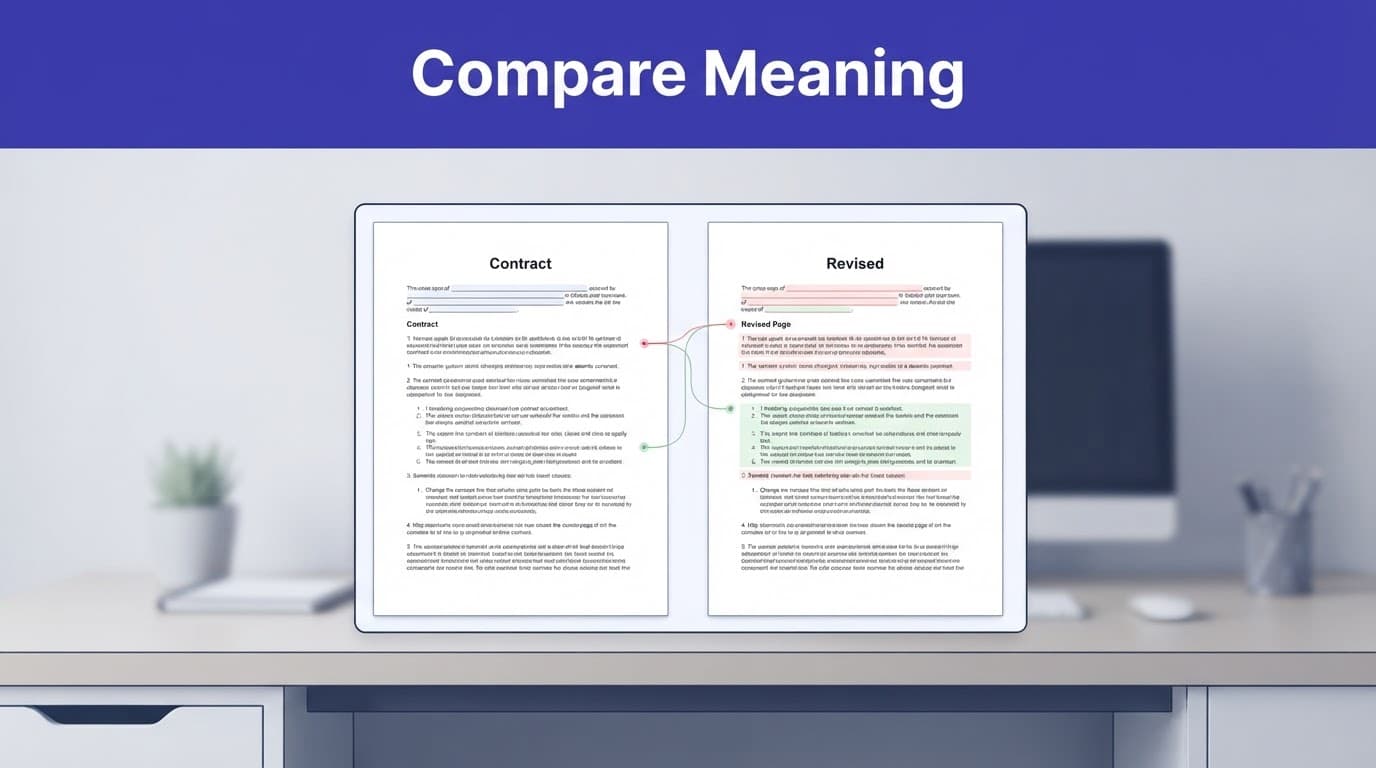
A semantic diff ranks changes by meaning
A semantic diff looks at the relationship between passages. The semantic diff can recognize that "payment is due within 30 days" and "the customer must pay no later than 30 calendar days after receipt" carry similar meaning.
More importantly, the semantic diff can flag a change from "up to $50,000" to "up to $500,000" as high priority. AI document comparison is most helpful when it groups related edits. It should provide a cited AI change summary that explains their likely effect and links each finding to source text.
However, a semantic diff can still miss a subtle exception or misunderstand a defined term. Treat it as a sorting assistant, not a final reviewer.
Build a Reliable Version Comparison Workflow
A reliable AI review workflow starts before you upload a file. Name the baseline and revised copy clearly, then keep both originals unchanged.
Establish the right baseline
Compare the correct pair of files. A draft from last Tuesday and an unsigned version from three months ago may create a misleading redline.
Confirm file compatibility and make sure both files can be extracted and compared. Check their names, creation dates, page counts, language, and attached exhibits.
A cross-format compare may require separate handling for Word, PDF, and spreadsheet files. Decide whether you need document version comparison for two revisions or gap analysis for a broader requirements review.
For several related files, plan a multi-document comparison before reviewing the set. For example, a procurement team may compare two supplier agreements directly, while a compliance team may use multi-document comparison across five regional policies and run gap analysis to find missing reporting deadlines.
Make AI earn its summary
Run a standard compare first when possible, using Word Track Changes or another conventional comparison. At upload or extraction, confirm the document comparison tool reads both files.
Then give the AI the extracted changes or both source documents. Request an AI change summary that ranks substantive edits.
Control the document set and source hierarchy for any multi-document comparison before asking for conclusions. Require every finding in the AI change summary to include a page, heading, clause, or cell citation. Ask it to separate changes into categories such as money, dates, scope, responsibilities, definitions, approvals, termination, and reporting.
If the task is gap analysis, define the requirements first, then ask AI to find missing language.
A summary without page, clause, or cell references is a triage note, not evidence.
Review every high-impact item in the original files, and inspect the final output in Word Track Changes against them. If AI says a liability clause changed, read the full clause and its definitions, not only the highlighted sentence.
Handle Scanned PDFs, Tables, and Spreadsheets With Care
Scanned records add another failure point because a cross-format compare must turn images into text before PDF comparison. Native Word and spreadsheet files avoid it, but clean-looking scans can contain misread characters, dropped footnotes, or merged table columns.
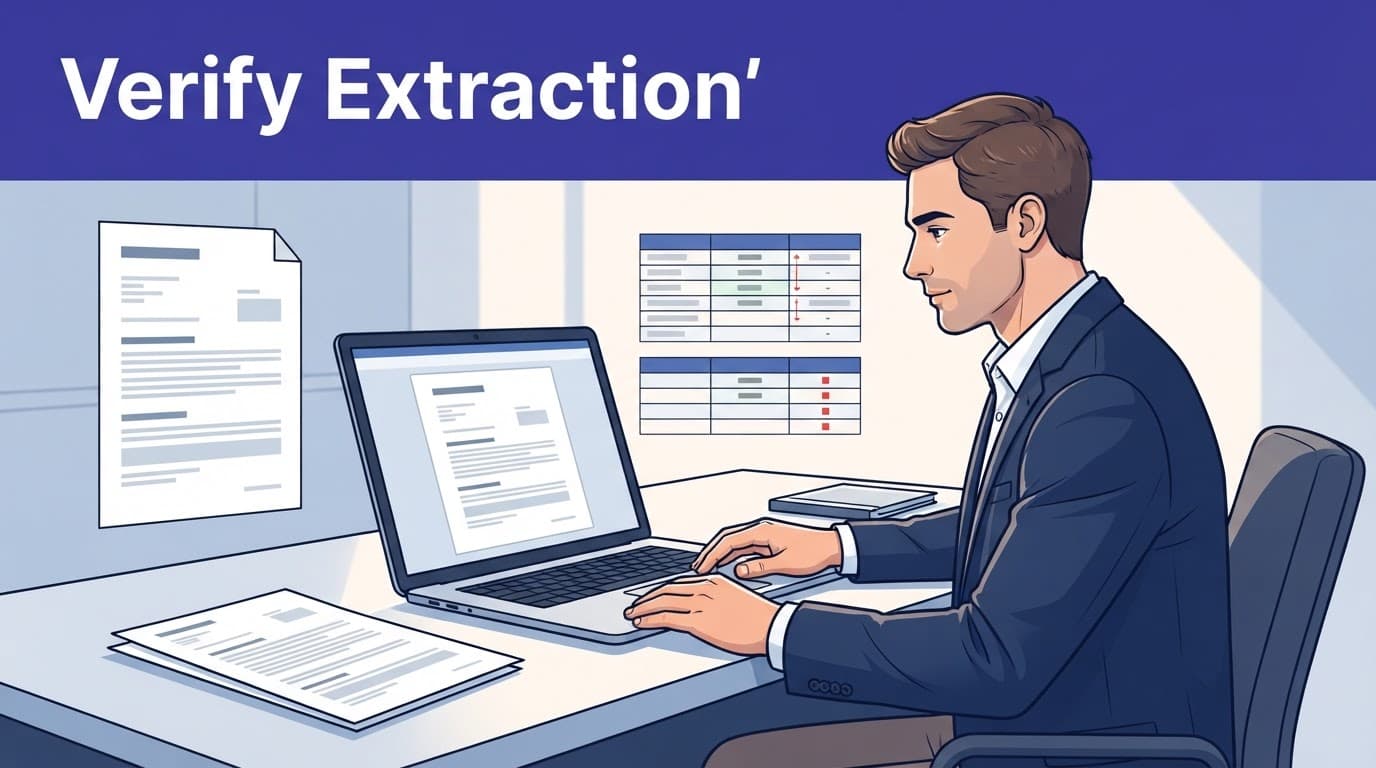
Verify OCR capability before comparing content
Optical character recognition, or OCR, makes a scanned PDF searchable, and extraction quality determines whether downstream document analysis is trustworthy. Adobe's OCR guidance for scanned PDFs recommends choosing the page range and document language before recognition.
Check samples from difficult pages before trusting the full extraction. Inspect faint type, handwriting, stamps, mixed languages, superscripts, signature blocks, and photocopied tables. A mistaken "8" for "3" can produce a false financial change.
If the scan quality is poor, use the page image as the authority. AI can point you to a possible difference, but it cannot repair unreadable source material.
Treat rows and cells as structured data
Tables need more than plain-text extraction during a spreadsheet comparison. A row that shifts position may look deleted, even when its values remain unchanged.
For financial statements, financial report analysis should compare account names, periods, units, formulas, and cell values separately. A changed total may come from a source-cell update or formula revision, not a true substantive revision. It may also reflect an accounting policy change or a formatting issue, such as rounded figures.
For a cross-format compare, save a CSV or spreadsheet diff for repeatable analysis and pair it with AI review. Use an AI change summary to identify recurring patterns, such as changed assumptions across footnotes. Don't ask it to calculate from a screenshot.
Separate Gap Analysis From Consistency Checks
A gap analysis asks whether a document contains all required elements. For example, a regulator's checklist may require an incident-response deadline, an owner, a reporting channel, and retention periods. During a compliance review, the AI can produce a gap analysis that maps each requirement to supporting text or marks it absent.
A multi-document comparison asks a different question: do related documents say the same thing? A gap analysis doesn't answer that consistency question; it checks whether required content exists. It may find that a privacy policy promises 30-day deletion while a vendor addendum permits 90 days. A cross-format compare can reveal the same conflict when related files use different formats.
Use a requirements matrix for compliance work
Create columns for the requirement, source authority, document location, exact wording, status, and reviewer decision. For a gap analysis, use the matrix to map each requirement to evidence and record its status. The gap analysis matrix should draw from controlled sources, and a multi-document comparison can check related policies or addenda while requiring citations back to each document.
This approach prevents a common error: treating similar language as proof of compliance. A gap analysis should confirm that required evidence is present, not just that related terms appear. A policy may mention incident reporting without stating the required reporting window.
Choose the Right Comparison Tool for the Job
Choose a document comparison tool based on file format, review risk, repeatability, and whether you need a cross-format compare. Verify file compatibility, supported inputs, and exports because no single option reliably handles every PDF, spreadsheet, scan, and contract.
Need | Practical option | Watch for |
|---|---|---|
A free Word-to-Word redline | Microsoft Word Compare with familiar Word Track Changes | Formatting noise and limited semantic summary in an exact redline comparison |
Revision history in collaborative drafts | Google Docs version history | It tracks revisions but is not a full legal redline |
Frequent desktop comparisons | Draftable for a cross-format compare | Confirm format support and export needs |
Enterprise legal workflows | Litera Compare for enterprise document comparison | Request pricing, review security, test Word output, and plan reviewer adoption |
Repeatable internal analysis | Scripts plus a controlled AI model | Extraction errors, security, and maintenance |
As of August 2026, Draftable lists Desktop at $129 per year, while its Business and Legal plans list annual per-user pricing. Vaquill AI lists $99 per user per month or $990 annually for its main plan, with enterprise pricing by quote. Its published limits include 50 MB per file and 500 pages per comparison.
Choose tools that support multi-document comparison when reviewing related files and recurring themes. Use an AI assistant when you need a cited AI change summary or multi-document comparison across related files. Use scripts when documents follow a predictable structure and you need repeatable outputs. Before committing, have reviewers test the actual Word Track Changes output and cross-format compare results for Word, PDF, and spreadsheets.
Protect Confidential Documents Before Uploading
Confidentiality is part of document review, not an afterthought. Before uploading client agreements, student records, financial statements, or unpublished research, verify the provider's security and privacy controls. Check its confidentiality commitments, storage location, retention period, and whether it uses files to train models.
Set clear controls for sensitive files
Use a business plan with contractual data protections when the material is confidential. For several related agreements or records, a multi-document comparison needs role restrictions and an audit trail. Enable multi-factor authentication, and use document versioning to identify the baseline and revised files while tracking uploads and exports.
Remove personal data or trade secrets when a redacted copy will answer the question. Before uploading, perform a gap analysis of the provider's retention, access, training-use, deletion, and export policies. Check whether connected storage, browser extensions, and shared links expose files beyond the intended workspace.
The NIST AI Risk Management Framework is a useful reference for documenting AI risks, controls, and accountable owners. In legal work, the ABA's guidance on generative AI tools reinforces that lawyers remain responsible for confidentiality and the accuracy of AI-assisted work.
Use a Reusable Prompt and Final Review Checklist
A clear prompt produces an auditable AI change summary instead of a vague overview.
Prompt template for change review
Compare Document A, the baseline, with Document B, the revision. For a multi-document comparison, compare each version against the approved baseline. Identify substantive changes in obligations, dates, money, scope, definitions, approvals, reporting, confidentiality, and termination. For each item, quote the before and after text and cite the page, heading, clause, or cell. Mark each as added, removed, modified, or unclear. For gap analysis, map each required element to supporting text and flag missing requirements. Ignore layout and styling changes unless they affect meaning. Don't treat every automated redline markup as a substantive change. Preserve or reconcile conventional tracked output, including Word Track Changes, when required. State any OCR, table-extraction, cross-format compare, or source-reference uncertainty. Do not infer missing terms.
Final checks before you rely on the output
Save read-only copies of the original baseline and revised documents.
Confirm that page counts, appendices, exhibits, and tracked attachments were included.
Check OCR output against difficult scan pages, extracted tables, and all critical numbers.
Read every high-priority change in its full clause, paragraph, or spreadsheet context, and check any gap analysis against the source authority or requirements matrix.
Record the tool, settings, prompt, reviewer, and final decision for important reviews, including the reasoning behind any gap analysis.
Inspect the Word Track Changes result against the source files, then keep the AI summary with the underlying redline or source citations.
Frequently Asked Questions
What is AI document comparison?
AI document comparison combines exact document diffs with AI-assisted analysis to identify and explain meaningful changes between files. It can help prioritize revisions involving obligations, dates, amounts, definitions, approvals, and missing requirements.
Is an AI change summary a replacement for a redline?
No. A textual diff or Word Track Changes output preserves the exact audit record, while an AI change summary helps sort and explain the edits. Reviewers should verify important findings in the original documents and their full context.
Can AI compare scanned PDFs and spreadsheets?
Yes, but the results require additional verification. Scanned PDFs depend on OCR quality, while spreadsheet comparisons must account for rows, cells, formulas, units, and formatting that may affect the apparent change.
What is the difference between gap analysis and document comparison?
A gap analysis checks whether required elements are present and maps them to supporting evidence. A multi-document comparison checks whether related documents use consistent language and identifies conflicts between them.
How should confidential documents be protected during AI comparison?
Before uploading, review the provider’s retention, access, training-use, deletion, storage, and confidentiality controls. Use appropriate business protections, restrict access, enable multifactor authentication, and redact sensitive information when a redacted copy is sufficient.
Final Thoughts
The best process puts attention where it belongs: on changes that alter meaning, risk, cost, timing, or compliance. It also supports gap analysis by identifying missing requirements, not just revised wording.
Use conventional diffs to preserve an exact record, then use AI to rank and explain what deserves review. That prioritization can support gap analysis, but human judgment remains the final control, especially when the document affects legal duties, financial decisions, or published research.