Analyzing qualitative interviews can hold the answer to a product decision, a hiring concern, or a research question. Yet after ten, 30, or 100 conversations, finding that answer by hand within dense interview transcripts becomes slow and error-prone.
AI interview transcript analysis tools can reduce the first-pass workload by transcribing recordings, grouping recurring ideas, surfacing relevant quotes, and helping teams compare evidence. These advanced artificial intelligence tools and specialized transcript analysis tools don't replace careful interpretation, but they can make the source material far easier to work with.
The strongest workflow keeps the transcript, its speaker context, and the original recording within reach at every stage.
Key Takeaways
AI interview transcript analysis tools reduce manual workloads by transcribing recordings, grouping ideas, and surfacing relevant quotes across multiple conversations.
Native transcription features and true qualitative data analysis layers serve different purposes, requiring teams to look beyond basic speech-to-text conversion.
Successful analysis relies on a repeatable workflow that combines AI-assisted first-pass exploration with rigorous human verification and source-grounded evidence.
Data security, privacy reviews, and precise validation of themes and quotations are essential before sharing insights or making critical decisions.
What AI Interview Transcript Analysis Tools Actually Do
AI-assisted analysis starts with raw interview transcripts, then turns a long document into material a team can inspect and discuss. Depending on the product, the software may identify topics, apply suggested codes, summarize each interview, or power qualitative data analysis through methods like thematic analysis, content analysis, and narrative analysis. Additional features often include sentiment analysis, auto coding, and rapid insight extraction across a set of conversations to collect evidence into a report.
The distinction matters because AI interview transcript analysis tools do more than turn speech into text. A transcript is the raw material. Analysis connects passages across participants and makes patterns easier to test.
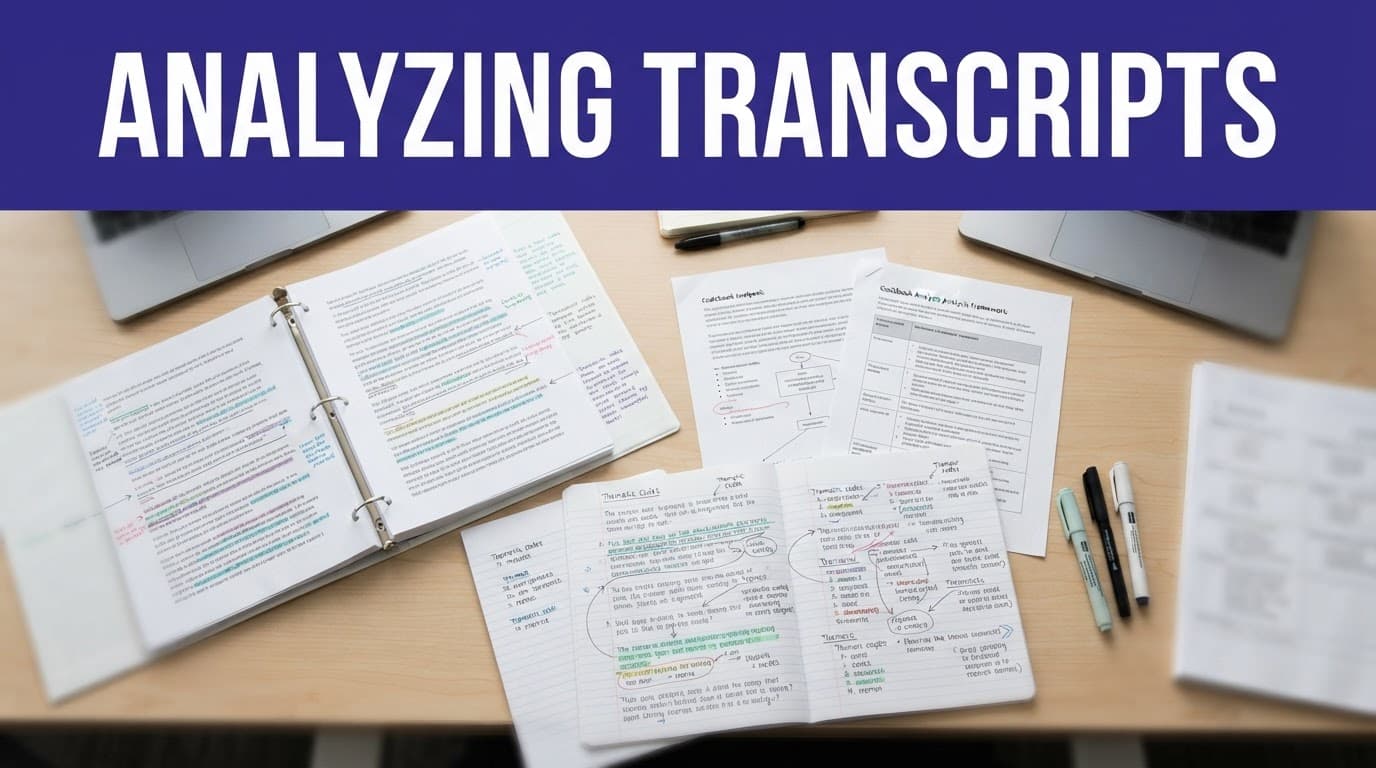
A UX researcher studying why users abandon a setup flow might use qualitative research software to evaluate qualitative interviews by retrieving passages related to confusion, permissions, activation, and pricing. It may then propose a theme such as "unclear initial setup." The researcher still needs to read the linked excerpts, check who said what, and decide whether the theme holds.
Journalists can use the same approach to locate quotes across several interviews. HR teams can find recurring candidate feedback or interviewer behavior. Academic researchers can use automatic coding suggestions as a starting point, then compare them against a defined codebook.
Transcription accuracy in interview transcription software sets the ceiling for every later step, ultimately enabling reliable source-grounded synthesis. If a tool mistakes "retention" for "revenue," a thematic summary can travel in the wrong direction. The NYU guide to transcription tools for qualitative data is a useful reminder that transcription choices depend on language, recording quality, cost, and research requirements.
AI works best as a quick reader with a good index. It can point to candidate patterns fast. It can't decide whether a pattern is meaningful without human judgment and full context.
Native Transcription Features and AI Analysis Are Different
Many teams buy interview transcription software expecting deep research analysis. That mismatch leads to weak insight work. A platform's native transcription feature converts audio and video files into searchable text, often with timestamps and speaker labels. It may also create a meeting recap or list action items.
Those features are helpful, but they aren't the same as cross-interview analysis.
A true qualitative data analysis layer works across a transcript collection. It lets you tag excerpts, compare segments, ask grounded questions, cluster codes, inspect source quotes, and build findings that retain a link to the evidence. Some platforms combine both layers. Others need an export and a second tool.
Capability | Native AI transcription | AI transcript analysis |
|---|---|---|
Main input | Audio or video recording | One transcript or a transcript set |
Typical output | Text, timestamps, speaker labels | Themes, codes, summaries, evidence groups |
Main unit of work | A single call or interview | Passages across many interviews |
Human review needed | Names, terms, speaker turns | Claims, themes, interpretations, quotes |
Common examples | Otter.ai, Fireflies.ai, Whisper workflows | Dovetail, Insight7, Looppanel, MAXQDA AI features |
Otter.ai and Fireflies.ai are common transcription-first choices. They can capture conversations and produce summaries, but a qualitative research software setup may need a separate repository or dedicated tool for rigorous coding. Whisper is often used in self-managed transcription workflows, where teams control the text generation step before moving information into another system.
Research platforms such as Dovetail, Looppanel, Notably, Reduct, Enterpret, Insight7, and Skimle focus more directly on synthesis through a UX research repository and automated AI tagging. However, their feature sets differ. Some prioritize video clips and visual tools. Others emphasize automatic thematic grouping, sentiment classification, or source traceability.
A comparison of automated transcription services for qualitative research shows why teams should test their own recordings rather than trust a general transcription accuracy claim. Accents, crosstalk, specialized terms, microphones, and multiple speakers can change results quickly, especially when handling complex mixed methods research data.
Choose Tools by the Work You Need to Defend
The right product depends less on its chatbot and more on the decisions your team must support. A product manager needs evidence connected to user problems. A doctoral researcher may need systematic codes, memos, and an auditable analysis trail when conducting mixed methods research. A recruiter needs structured notes that support consistent evaluation without letting automated scoring make the final decision.
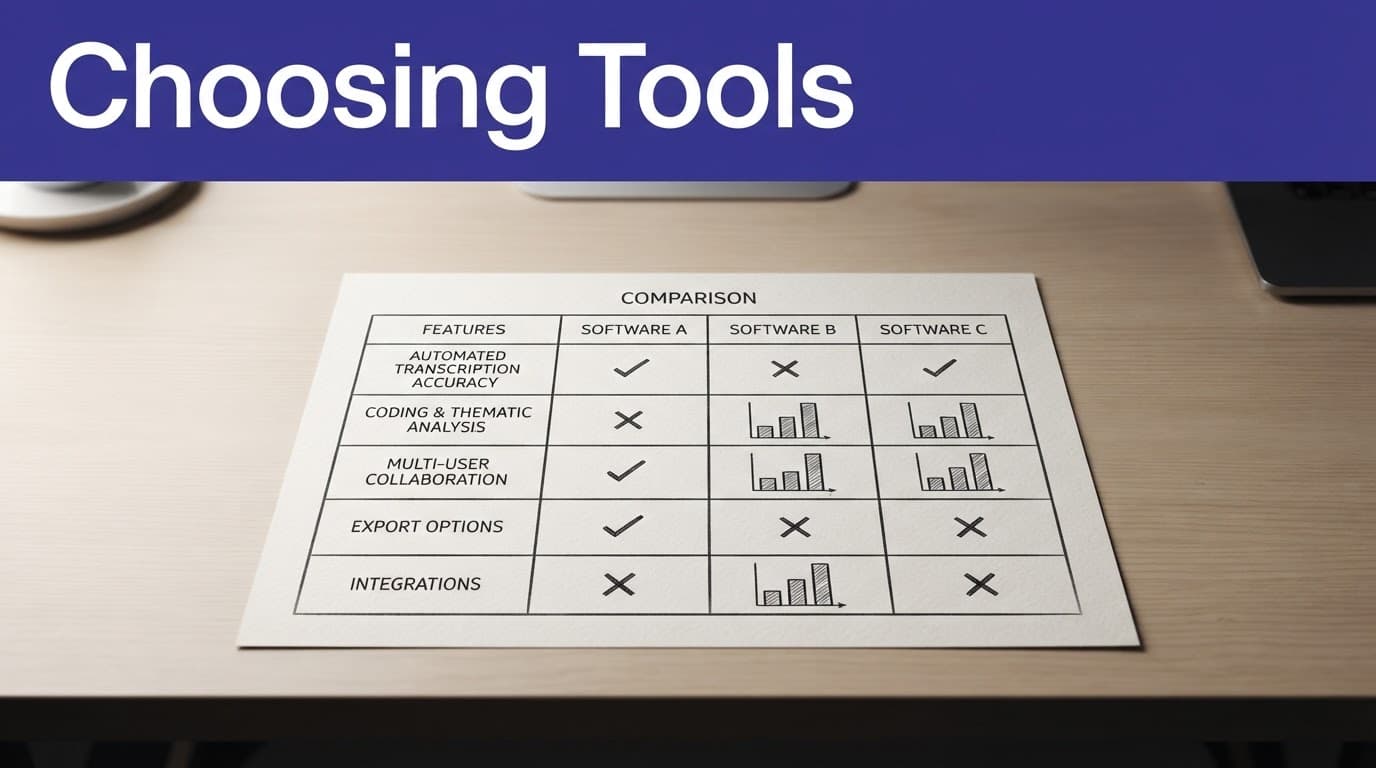
This quick comparison helps separate the major categories of transcript analysis tools.
Tool category | Best fit | Examples | Watch for |
|---|---|---|---|
Research repository | UX and product teams managing ongoing customer evidence | Dovetail, Looppanel, Reduct, Notably | Export options, access controls, evidence links |
Qualitative data analysis software | Academic, policy, and mixed-methods research | MAXQDA, ATLAS.ti, NVivo, Delve | Codebook control, memos, method fit |
AI synthesis platform | Teams that need fast clustering and theme drafts | Insight7, Enterpret, Skimle | Citation quality, prompt controls, review workflow |
Transcription-first product | Fast capture of calls and interviews | Otter.ai, Fireflies.ai, Sonix, Rev | Whether analysis extends beyond a recap |
Hiring interview intelligence | Recruiting and interview-coaching teams | BrightHire, HireVue, Clovers, VidCruiter | Fairness review, consent, retention policy |
Qualitative data analysis software should make it easier to trace a finding back to actual language. A polished summary without references is harder to defend in a design review, a research report, or an employment decision.
MAXQDA is a long-standing qualitative research software option for teams that need formal qualitative data analysis workflows. Its official qualitative data analysis platform centers coding, retrieval, visualization, and analysis rather than treating the transcript as a disposable meeting note.
For smaller teams, interview transcription software and simpler options may be the better fit. Delve, Taguette, and similar products can support structured coding without a long setup period, making them ideal for smaller research projects analyzing qualitative interviews through straightforward visual tools. The comparison of approachable QDA software is useful when training time matters as much as feature depth.
How Leading Tools Fit Common Interview Workflows
Dovetail is often a natural choice for product and UX teams that need a centralized UX research repository. Teams can import audio and video files alongside incoming interview transcripts, tag excerpts, create highlights, organize research findings, and return to the underlying evidence when stakeholders question a conclusion. Its value rises when research is continuous rather than limited to one project.
Looppanel, Notably, and Reduct also support research teams that want faster interview review. Their interfaces and analysis methods differ, so test the same interview set in each before committing. A tool can produce an appealing insight board yet still make it hard to locate the original paragraph later.
Insight7, Enterpret, and Skimle sit closer to AI-driven synthesis. These products are relevant when a team has a larger batch of interview transcripts and needs to detect repeated concerns, perform AI tagging, or segment feedback by audience. They may save substantial time on the first pass, particularly when researchers need candidate themes before a workshop or want to accelerate insight extraction for thematic analysis.
Still, theme detection is not a verdict. A model may group similar words that describe different experiences. For example, participants may mention "speed" because a page loads slowly, because the workflow feels rushed, or because they praise rapid delivery. Read the passages before turning a cluster into a finding.
Koji and Perspective AI fall into a different category. They combine interview collection with automated analysis, including AI-moderated interview formats. This can help with broad exploratory research, but a team should review the interview guide, follow-up behavior, participant experience, and consent language with the same care used for a human moderator.
Hiring platforms need a separate standard. BrightHire records and analyzes live interviews for interview intelligence and coaching. HireVue, Spark Hire, VidCruiter, Vervoe, and Clovers support different mixes of video interviews, structured workflows, assessments, or interviewer support. Hiring teams should keep people accountable for decisions, evaluate job relevance, and audit how any automated summary or score affects candidates.
A useful analysis result contains both a claim and the source passages needed to challenge that claim.
That rule protects researchers from summary drift. It also keeps stakeholder discussions focused on what participants in qualitative interviews actually said, ensuring that artificial intelligence tools support source-grounded synthesis rather than distorting true research findings derived from raw interview transcripts.
Build a Repeatable Transcript Analysis Workflow
Good software doesn't fix a loose process. Set the analysis plan before uploading files, especially when several people will code or use the findings. A repeatable approach prevents the tool from deciding the research question through its default prompts.
Use this sequence for qualitative interviews, customer calls, or expert conversations:
Prepare clean source files. Keep the recording, transcript, interview guide, participant metadata, and consent record together. Correct speaker names and obvious transcription errors early.
Define the decision and analysis questions. Write the question in plain language, such as "What prevents first-time users from finishing account setup?" This gives the team a test for which excerpts matter.
Create a starter codebook. Include expected topics from the guide, but leave room for new ideas. Building out a structured coding system helps organize interview transcripts, and setup research could begin with account creation, permissions, navigation, confidence, and support.
Run AI-assisted first-pass analysis. Ask the tool to retrieve relevant excerpts, suggest codes, summarize individual interviews, or group comparable statements. Leveraging AI tagging, auto coding, and word frequency tools can accelerate the initial exploration of interview transcripts while keeping prompts focused and requiring citations where the product supports them.
Review, revise, and merge codes. Read enough full passages to distinguish a repeated issue from a vivid outlier. Document why codes changed and where interpretations remain uncertain during the qualitative data analysis process.
Write findings with evidence. Each finding should state the observed pattern, the affected group, relevant exceptions, and source excerpts. Do not use a generated summary as the only evidence, ensuring your final research findings remain grounded in the raw qualitative data analysis.
This workflow also makes collaboration calmer. A designer can read selected clips and highlights. A researcher can inspect coding decisions. A leader can see the scope and limitations of a finding without reading every transcript.
For studies that need more formal methods, decide early whether you are using deductive coding, inductive coding, thematic analysis, content analysis, narrative analysis, or grounded theory in your coding qualitative data practices. Whether you are conducting standalone qualitative work or mixed methods research, the software should support the method, not reshape it around a convenience feature.
Validate Themes, Quotes, and Sensitive Information
AI output can sound certain even when the source material is mixed. Treat summaries, sentiment analysis labels, and extracted themes as working drafts generated during qualitative data analysis. Before sharing them, compare each conclusion with the transcript and, where meaning depends on tone, the recording.
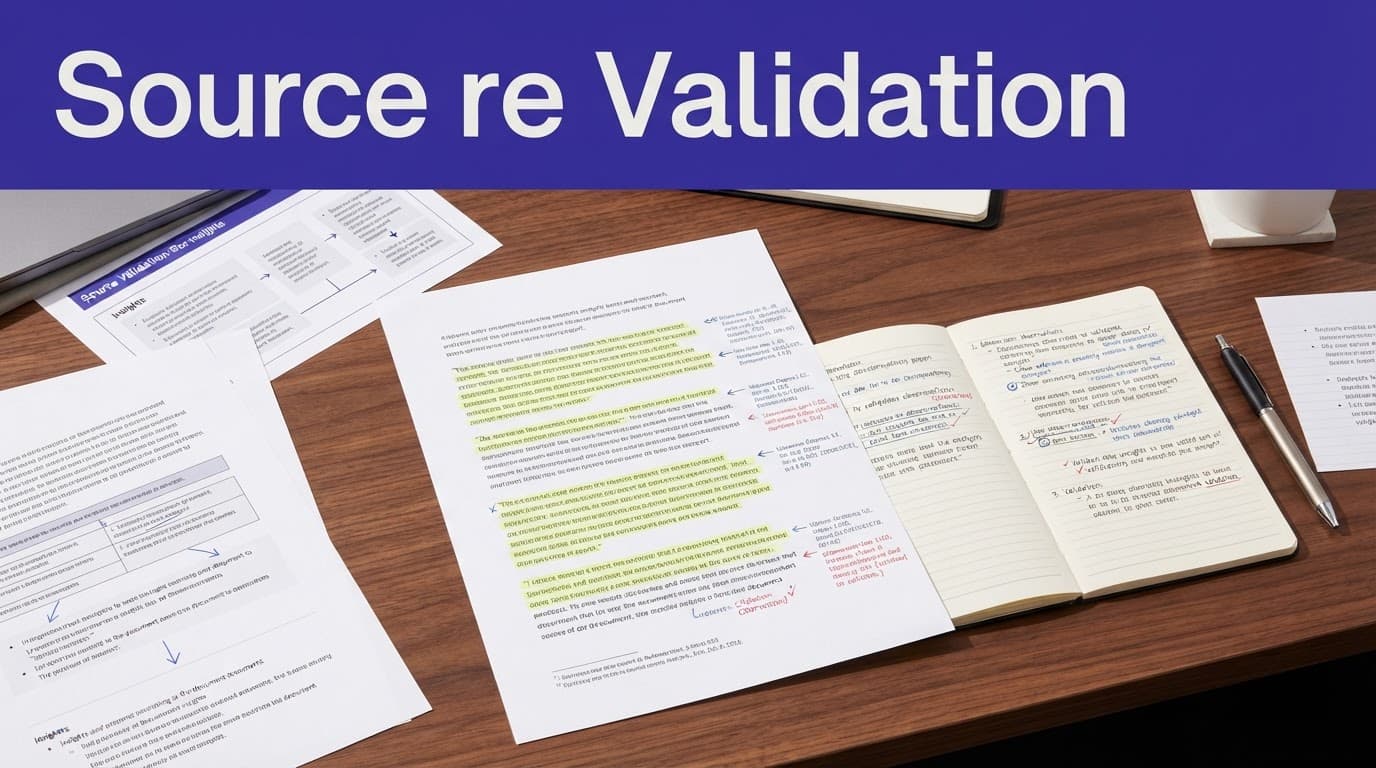
Check quotations word for word when reviewing interview transcripts. A missing qualifier such as "sometimes" or "for me" can distort a participant's view. Also verify speaker attribution, timestamps, and whether a quote describes a direct experience or repeats something the participant heard elsewhere.
Theme counts need care as well. Ten excerpts do not always equal ten participants. One talkative interviewee can produce a large share of the coded material. When reporting prevalence, count distinct participants and identify the sample size. If the sample is small or purposive, describe patterns as qualitative observations rather than population estimates.
Data security and privacy review should happen before upload, not after analysis. Interview transcripts can contain names, health information, employment details, financial data, private company plans, or information that identifies a participant indirectly. Read a provider's current data-processing terms, storage location, retention controls, administrator settings, and model-training policy before using it for sensitive work or thematic analysis.
Remove unnecessary identifiers where possible before coding qualitative data. Limit project access to people who need it. Keep a local or approved copy of the original recording and transcript, since a vendor export may not preserve every annotation or revision. For regulated research, follow the organization or institution's ethics, legal, and data security and privacy requirements.
A strong tool offers useful controls, but no product label removes the need for careful handling. Source review and governance belong in the method, not in a final cleanup pass.
Questions to Ask Before You Buy
A short pilot reveals more than a feature page. Upload a representative set of interviews, including difficult audio and video files, while testing both interview transcription software and transcript analysis tools. Then ask several team members to use the system for a real decision.
Evaluate the trial against the questions below:
Can users open a theme and reach the exact supporting passages quickly?
Does the transcript preserve transcription accuracy, speaker labels, and the original wording after edits?
Can the team export raw transcripts, coded excerpts, and findings if it changes tools?
Are codes, notes, and artificial intelligence suggestions easy to review and revise?
Does the platform support visual tools, word frequency tools, and your specific research method?
Can administrators control data security and privacy, retention, and project membership for active research projects?
Also compare the quality of competing outputs on the same data. Ask each system to identify three themes, retrieve negative evidence, and surface quotes related to one narrow question, especially when utilizing qualitative research software and automated transcription services for qualitative data analysis. The best result is rarely the longest summary. It is the one that helps a reviewer find accurate evidence with the least friction.
Cost deserves the same discipline. Per-seat plans, transcription-minute limits, AI-credit systems, storage caps, and enterprise add-ons can change the total quickly. Confirm current pricing and limits directly with vendors because plans shift often.
Frequently Asked Questions
What is the difference between native transcription and AI transcript analysis?
Native transcription simply converts audio and video files into searchable text with speaker labels and timestamps. A true transcript analysis layer works across a collection of transcripts to help you tag excerpts, compare segments, cluster codes, and build findings linked directly to the evidence.
Can AI completely replace human qualitative researchers?
No, artificial intelligence works best as a quick reader with a good index to surface patterns and draft themes. Human judgment and full context remain essential to decide whether a pattern is meaningful, avoid summary drift, and interpret nuances correctly.
How should teams choose the right transcript analysis software?
The right choice depends on the specific decisions your team needs to support, such as product management, academic research, or hiring. Teams should test their own representative recordings during a short pilot to evaluate evidence linking, export options, and ease of review.
What security steps are necessary before uploading interview transcripts?
You should review the provider's data-processing terms, storage locations, and model-training policies before uploading. Removing unnecessary identifiers and controlling project access helps protect sensitive participant information and complies with privacy requirements.
Final Thoughts
The best AI interview transcript analysis tools shorten the path from raw conversation to traceable evidence. They help teams find patterns and retrieve supporting material, while people remain responsible for interpretation.
Start with a small pilot, test real transcripts, and require every important claim to link back to source language. Effective transcript analysis tools enable reliable source-grounded synthesis, efficient insight extraction, and rigorous thematic analysis across all your interview transcripts, leaving teams with defensible research findings that remain convincing after the generated summary disappears.