A polished citation can still lead to a paper that does not exist. That is why an annotated bibliography AI workflow must begin with real sources, not a chatbot-generated reading list.
Used well, AI can speed up note-taking, comparison, and early drafting for a research paper. It still can't replace reading the original work, confirming every detail, and writing the judgment your assignment requires. Start by defining what belongs in an annotated bibliography.
What an annotated bibliography adds to a reference list
A source-by-source research record
An annotated bibliography lists sources in a required citation style, then adds a short note below each citation. A descriptive annotation explains a source's main argument, while an evaluative annotation assesses its quality, limitations, and relevance to your project.
A reference list only identifies works you cited. An annotated bibliography asks you to demonstrate that you understand each source and its relevance to your research topic. Annotation length varies by course, although many assignments call for roughly 100 to 300 words per entry.
It is not a literature review
A literature review connects sources into a larger argument about a field, question, or debate. It compares patterns across studies and identifies gaps or disagreements.
In contrast, an annotated bibliography treats each source as its own entry. You may mention connections to other sources, but the focus stays on what each work says, how trustworthy it is, and whether it fits your research question.
Set ethical and practical boundaries first
Follow the assignment's AI policy
Read the syllabus, assignment sheet, and departmental policy before using an AI service. Some instructors permit brainstorming or grammar feedback but prohibit AI-generated text. Others allow AI only with disclosure, and following those rules supports academic integrity.
A chatbot response isn't a scholarly source. If AI helps locate an article, your bibliography should cite the article after you find and read it. The MLA guidance on describing AI use also stresses citing the original source rather than treating AI as a substitute for research. NotebookLM output still requires source verification.
Keep your notes, source PDFs, prompt history, and draft versions. Those records show how your work developed and make it easier to revisit a claim.
Protect confidential research materials
Do not upload interview transcripts, identifiable participant data, unpublished thesis chapters, grant proposals, or sponsor-restricted documents without permission. Check your institution's rules and the current privacy and data-retention terms for services such as NotebookLM or DeepSeek first.
When working with sensitive files, choose secure AI tools for private document research that provide source references and fit your data-handling requirements. Remove names and other identifying details when policy requires it.
Find real sources before asking AI for help
Start with sources you can access
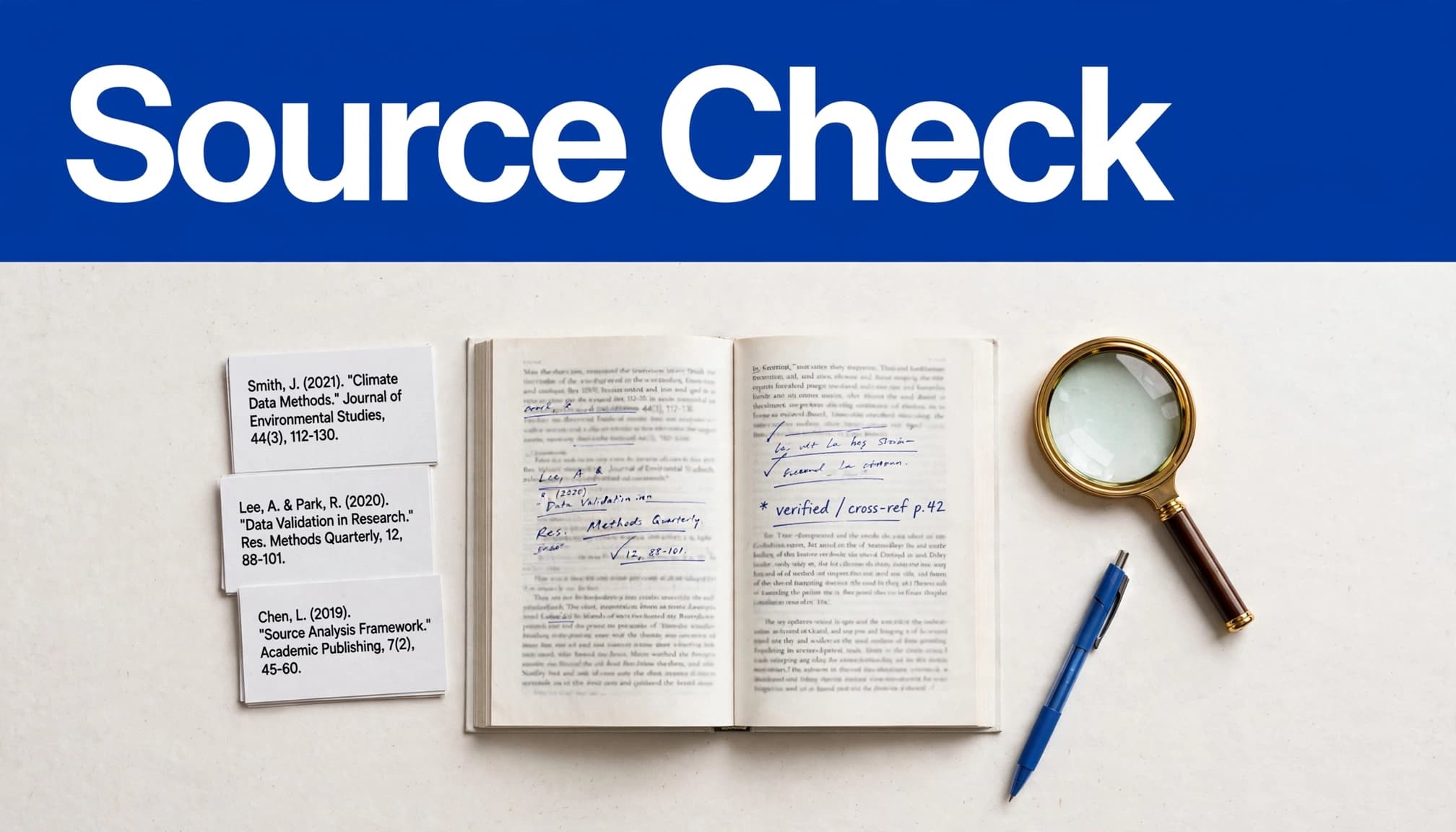
Search your library catalog, subject databases, publisher websites, and established indexes for scholarly sources. Save the PDF or stable record for every item you may cite. Record the author, title, publication date, journal or publisher, volume, issue, page range, DOI, and stable URL as available. Add the access date for web-based material when applicable.
A citation generator such as the BibMe citation maker or MyBib can format information you supply, but neither can prove the work exists. Compare the output with the original publication record before using it.
Build a source trail
For source evaluation, create a simple spreadsheet or research matrix with columns for the citation, file location, research question, method, key findings, limits, useful quotations, and page numbers. AI tools such as NotebookLM can generate suggestions or extracted notes, but those aren't source records. Label notes carefully:
Source facts record what the author actually reports.
Your analysis records your interpretation or comparison.
AI suggestions stay marked as unverified until you check them.
A reference can be real and still fail to support the sentence beside it. Verify both the publication details and the claim-to-source match.
Use annotated bibliography AI tools for evidence extraction
Ask questions that limit the source scope
Source-grounded AI tools work best after you upload or open the full text yourself. NotebookLM can help you locate relevant passages in supplied documents, but you should inspect the cited page before using its answer. If you use DeepSeek, check that its response is grounded in the material you supplied.
Use prompts that require the system to stay within the article:
"In NotebookLM, using only this uploaded article, identify the research purpose, study design, sample, key findings, and author-stated limitations. Give a page number for every field. If the source does not report a detail, write 'Not reported.'"
That final instruction matters. It tells the tool not to fill a gap with a plausible guess.
Turn extraction into notes, not finished analysis
AI can organize findings quickly, especially when several articles use different terminology. Treat any AI-generated text as unverified notes, not submitted analysis. Ask it to separate direct evidence from interpretation and to flag disagreement between sources.
For a comparison workflow in NotebookLM, use a prompt like this:
"Compare these three uploaded studies on the same question. Group their findings by study design, identify disagreements, and cite page-level evidence for each statement. Do not infer causes that the authors do not discuss."
When using DeepSeek, verify every comparison against the supplied studies rather than assuming its output is grounded or page-cited. Then read the abstract, methods, results, tables, and discussion yourself. AI may merge a background citation with the study's own findings or turn a cautious correlation into a causal claim.
Write annotations that show your judgment
Descriptive annotations explain the source
A descriptive annotation summarizes the work without extensive judgment. It states what the source does by identifying the author's purpose, central claim, scope, approach, and main findings. Name the population, period, or material studied when it affects relevance.
Avoid copying an abstract word for word. First identify the evidence on the page, then restate it in your own language. A strong descriptive annotation shows the source's contribution clearly and concisely.
Evaluative annotations assess credibility
An evaluative annotation considers whether the source is dependable and useful. Discuss the author's expertise, publication venue, evidence base, method, date, limitations, or possible bias. This evaluative annotation should assess the evidence, its limits, and the source's credibility.
For example, a peer-reviewed longitudinal study may offer stronger evidence for a question about change over time than a short opinion piece. That doesn't make the opinion piece worthless. It may still help explain a public debate or professional viewpoint.
Analytical annotations connect the source to your project
An analytical annotation goes further by explaining how you'll use the source. It might support a claim, provide a counterargument, define a term, supply historical context, or reveal a gap in existing research.
A strong entry often contains all three moves: a concise summary, a grounded evaluation, and a statement of relevance. Critical thinking helps you decide what the source contributes and how it fits your project. Your analysis should remain yours, even if AI helped sort the notes.
Format entries in APA 7 with care
Place citations and annotations correctly
Follow your instructor's requirements first. A typical APA 7 annotated bibliography lists entries alphabetically by author surname. Use the overall paper setup required by APA format, while checking your assignment's specific APA 7 requirements for spacing and page numbers. Online-source requirements vary by style, so confirm whether an access date is required.
Format each reference with a hanging indent. Start the annotation on the next line beneath the citation, commonly indented 0.5 inch as a block paragraph. Before formatting, record relevant metadata, including the access date when required. Check title capitalization, italics, DOI presentation, and author order against official guidance. The APA, MLA, and Chicago style resources collected by Clemson University Libraries can help you locate the right manual.
Disclose material AI assistance
If AI materially contributed to your submitted work, including AI-generated text from NotebookLM, follow your instructor's disclosure rule and the style guidance your course uses. APA format, MLA format, and Chicago format do not treat every AI interaction in exactly the same way, so check official APA, MLA, or Chicago guidance.
MLA advises writers not to list an AI tool as the author of the work. Its generative AI citation guidance explains what details to include when you need to document AI output. Your annotated entries should still cite the scholarly books, articles, and reports you actually evaluated.
Catch fabricated and mismatched citations
AI hallucinations are plausible but unsupported details. Treat them as prompts for verification, not proof of an error.
Verify the publication record
Check every reference against the publisher page, library catalog, scholarly database, or DOI record. NotebookLM can help organize the comparison, but it can't certify a citation.
Confirm author names, exact title, date, journal, volume, issue, pages, DOI or URL, and the access date when required. Invented authors, titles, or publication records are fake citations, even when the details look plausible.
A missing database match is a warning, not final proof that a source is fake. Paywalled, regional, older, non-English, archival, and niche publications can be difficult for a database to locate. Search your library catalog and publisher site before deleting an entry.
Test the claim against the original text
Open the article and read the surrounding paragraph, table, footnote, or section. Confirm that the cited source supports your exact wording.
Use NotebookLM or DeepSeek only as aids for locating context, not as proof that a citation is accurate. Verify every quotation and summary from AI-generated text against the original page.
For a thorough final pass, use this citation and source verification workflow to trace citations back to the original record. If you cannot locate and inspect a source, remove it rather than submitting an unverified reference.
Key takeaways
Use AI after you have gathered real, accessible sources.
Ask source-limited questions in NotebookLM, request page-level support, and inspect the original source yourself.
Keep a descriptive annotation's summary, an evaluative annotation's assessment, and your own analytical judgment distinct.
Treat citation generators as formatting aids, not proof that metadata is correct.
Verify every author, year, access date, quotation, page number, URL, and DOI against the original record.
Follow local rules for AI disclosure, privacy, and permitted assistance.
FAQ
Can AI write my annotated bibliography for me?
AI can help extract details, organize notes, and suggest a draft structure. Tools such as NotebookLM can produce summaries or drafts, but that AI-generated text remains unverified until you check the source. Submitting generated annotations without checking sources risks factual errors, plagiarism violations, and policy breaches. Read each source, follow official guidance, and write the final evaluation in your own words.
What should educators check when citations look suspicious?
Check whether the cited work exists in a library catalog, publisher database, or reliable scholarly index. Verify its author, publication details, DOI, and access date against an authoritative record. Then inspect the full source to see whether it supports the attached claim. DeepSeek's output isn't evidence, and AI detectors can't prove authorship or source accuracy. Source-level review can reveal invented authors, incorrect metadata, and mismatched evidence.
How is an AI citation checker different from a citation generator?
A citation generator formats bibliographic details into APA, MLA, Chicago, or another style. An AI citation checker attempts to compare references or claims with available records. Use official style guidance, and verify both tools' results by reading the source. Neither replaces checking the source and confirming what it says.
Build a bibliography you can defend
The fastest annotated bibliography isn't the one produced with the fewest clicks. It's the one where every entry leads back to a real source, a checked passage, and a descriptive annotation grounded in both the source and your reading.
AI tools such as NotebookLM can reduce repetitive research tasks, but accountability stays with the writer. Check each online source's metadata, including its access date, and preserve a defensible source trail. Your original judgment and checked passages protect your credibility long after the assignment is submitted.