Engineering manuals can look complete while hiding expired endpoints, conflicting setup steps, and missing security prerequisites. When you analyze technical documentation with AI, you can surface those problems faster, but every finding still needs proof.
Modern language models use artificial intelligence and natural language processing for a tireless first pass across technical documentation and user documentation. They compare versions, extract information, cluster ideas, and trace terms, but automated content generation can produce unverified outputs or confabulation. Your team still decides what is true, current, and useful; outdated manuals add technical debt and weaken developer experience.
Key Takeaways
Define a clear audit boundary, source set, audience, and question before using AI to analyze technical documentation.
Build a source inventory and score documents for coverage, freshness, consistency, traceability, and ownership.
Use targeted prompts that require quoted evidence, source locations, document versions, confidence levels, and explicit labels for unverified claims.
Validate every important AI finding against authoritative specifications, code, tests, current environments, policies, or shipped behavior.
Protect proprietary documentation with access controls, content classification, audit trails, and safeguards against prompt injection.
Start with a clear audit boundary
A useful review begins before you upload, index, or prompt anything. Set its boundary within the software development lifecycle; in an agile approach, separate internal workflow materials from external guides. Choose the source set and define the decision the analysis should support.
Separate product and process documentation
Product documentation describes what the software is and how it behaves. It may include a product requirements document, software architecture diagrams, API documentation, runbooks, deployment guides, user documentation, and test plans.
Process documentation describes how the team builds and supports the product. Examples include coding standards, incident procedures, sprint conventions, and release checklists.
Keep process documentation separate from product records during analysis. Process documentation can explain how teams approve a release, while a release runbook explains the exact operational steps. Mixing them often produces vague findings.
Name the reader and the question
An API reference needs different checks than an onboarding guide. Developers need field names, error behavior, limits, and authentication details. A technical writer may review user documentation for clarity, while product managers trace a user story to the product roadmap. Quality assurance teams need testable acceptance criteria, and a waterfall approach may frame those checks around approved requirements and handoffs.
Write one audit question before starting. For example:
"Find statements in these deployment and API documents that conflict with the current production configuration, and cite the exact source section for every finding."
That instruction sets a useful boundary. It also makes it easier to reject output that drifts into generic advice.
How to analyze technical documentation with AI
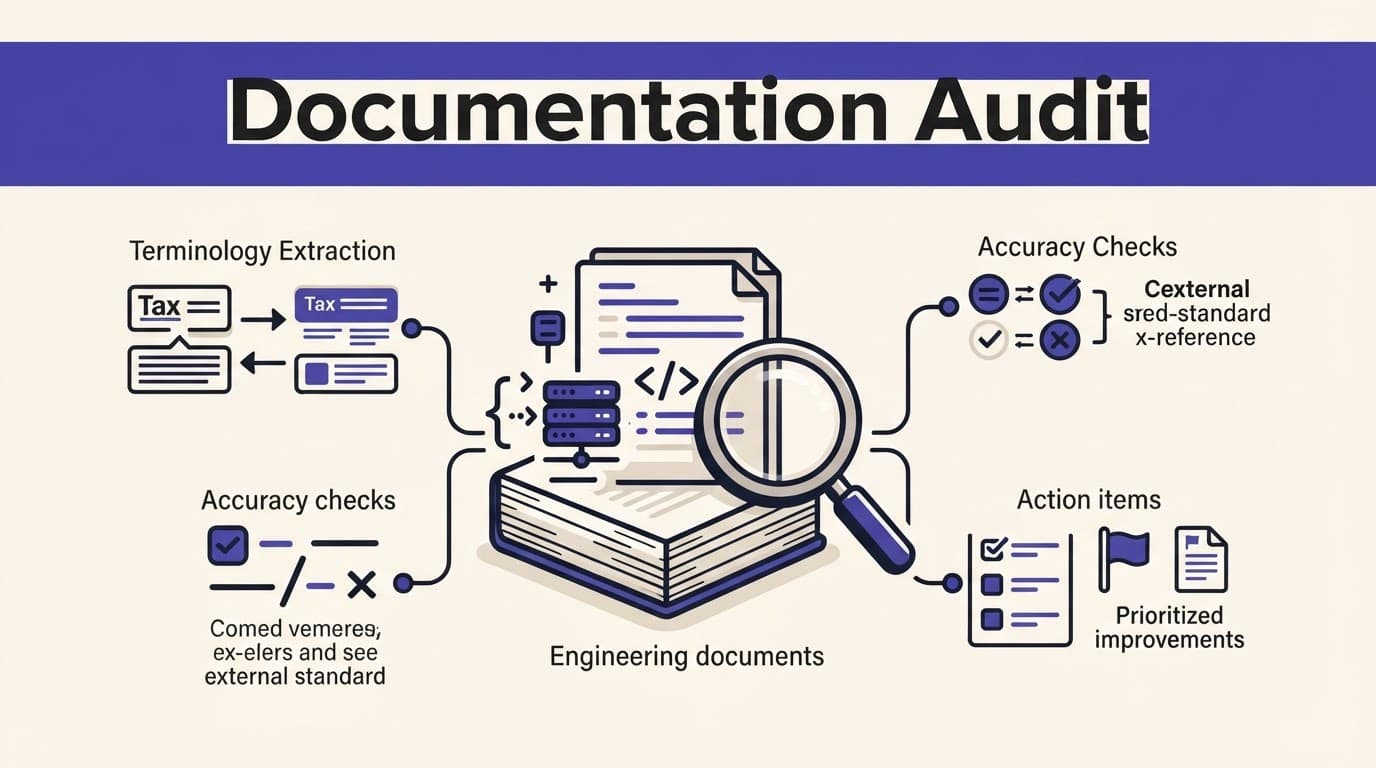
To analyze technical documentation with artificial intelligence, use a repeatable audit rather than a one-time summary. Begin with a source inventory, then use natural language processing to ask targeted questions against a controlled corpus.
Build a source inventory before analysis
Create a simple register for files, code repositories, wiki articles, knowledge base pages, PDFs, machine-readable specifications, and source code documentation managed through your documentation tools. Record the owner, publication date, version, status, audience, sensitivity level, authoritative source, and version control location.
Mark a document as active, draft, archived, or deprecated. Also identify its source of truth. For example, a generated API page may be helpful, but the approved OpenAPI specification should settle a dispute about parameters and response schemas. The OpenAPI standard describes APIs through JSON or YAML contracts that can anchor this review alongside other technical specifications.
Next, group duplicate documents and closely related versions. AI can identify similar text, yet a human should decide whether two guides are redundant or intentionally tailored for different users.
Score documents on five useful signals
Use a simple 0 to 2 score for each signal, where 0 means poor evidence and 2 means healthy documentation. A technical writer can apply the same rubric to user documentation, process documentation, a product roadmap, and a user story:
Signal | What to inspect |
|---|---|
Coverage | Required tasks, systems, or user journeys have documentation |
Freshness | Versions, dates, screenshots, and release references still match reality |
Consistency | Terms, commands, defaults, and policies agree across sources |
Traceability | Important claims point to code, tickets, tests, or approved specifications |
Ownership | A named person or team maintains the document |
A low score does not prove that content is wrong. It creates a queue for investigation and helps prevent documentation rot from becoming technical debt. For instance, an undated Kubernetes deployment guide may still be correct, but it deserves a check against the current manifests and platform policies.
A document can be readable and still be unsafe to follow if its version, permissions, or source of truth are unclear.
Use prompts that produce reviewable evidence
Broad prompts such as "summarize these docs" save time, but they rarely reveal documentation rot. Ask for an output structure that gives reviewers concrete evidence to inspect.
Compare claims across related files
Use this prompt when several documents describe the same component:
"Compare the uploaded API guide, integration notes, and OpenAPI specification. List conflicts involving endpoint paths, authentication, request fields, response fields, defaults, limits, and deprecations. For every conflict, quote the source passages, name the document version, and state 'unverified' if no source supports a conclusion."
The resulting table should include a claim, source location, conflicting source, confidence, and proposed owner. Don't let the model silently resolve disagreements. Conflicting documentation often signals that code, configuration, or release communication changed at different times.
For APIs, use natural language processing to compare api documentation with the contract and working requests. Documentation tools built around API design, such as Swagger, can help teams publish and test specifications, but an AI analysis still needs the approved OpenAPI specification and a real environment check.
Find gaps in a user journey
Gaps are easier to see when you frame user documentation around a user story. A new developer's user story for setting up a local environment may need permissions, secrets handling, dependencies, test commands, common failures, support contacts, and user interface steps.
Try this prompt:
"Using only the provided user documentation, map the steps for a new engineer to run the service locally and deploy a non-production change. Identify missing prerequisites, undefined terms, broken handoffs, and steps that require access not described in the text. Cite the source for each observation. Do not infer commands or permissions."
This approach also helps a technical writer find unexplained acronyms and terms with several meanings. "Environment," "workspace," and "tenant" can mean different things across teams. Ask AI to flag those terms, then set a preferred definition in the glossary. This keeps review grounded, prevents hallucinated "automated content generation", supports developer productivity, and improves developer experience.
Validate every AI finding against reality
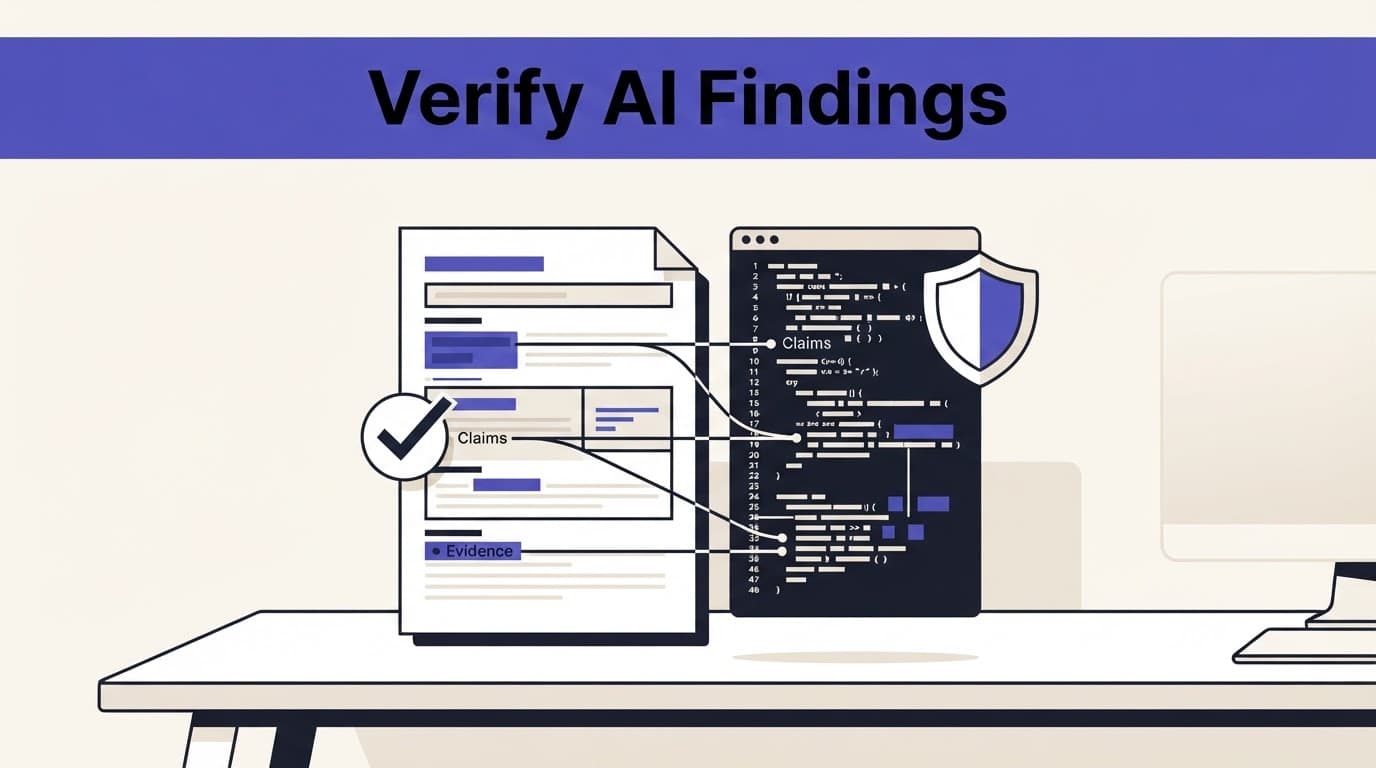
AI can retrieve and compare language. Automated content generation cannot prove that a command works, an endpoint returns the stated value, or a policy remains approved. NIST uses the term "confabulation" for false or misleading AI-generated content in its Generative AI Risk Management Profile.
Test claims against authoritative evidence
Review each high-impact finding against the right evidence source:
Check API paths, parameters, and schemas against approved technical specifications, current API documentation, and integration tests.
Compare configuration advice with source code documentation, version control history, and current environment settings.
Validate user instructions in a staging environment or through an approved test account.
Trace security statements to current policy, threat-model, or compliance documentation.
Confirm release notes against merged changes, issue records, and the actual shipped version.
A citation shows where the model found text. It does not establish that the text is current or correct. Treat citation quality and factual correctness as separate checks.
Use a verification checklist before publishing changes
Before accepting an AI-generated recommendation, confirm the following:
Quality assurance confirms every finding includes a direct source location and document version.
The cited text actually supports the finding, rather than merely sharing keywords.
A code owner, product owner, or subject matter expert has checked the behavior described in user documentation.
The proposed update maps to a tested user story, names its intended audience, and identifies the source of truth.
Any uncertain claim is labeled for follow-up instead of rewritten as fact.
When a finding affects authentication, payments, data retention, safety, or production operations, require a human approval record. Those topics carry too much risk for automatic edits.
Protect proprietary documentation and user access
Documentation often contains more than helpful setup notes. Architecture diagrams may expose internal hosts. Runbooks can reveal privileged procedures. Support exports may contain customer data.
Apply permissions at every stage
Use the same access rules when content enters the system, when it is indexed, when passages are retrieved, and when answers appear. A user who cannot open a document should not receive a summary of it.
Classify content before processing it. Keep public docs and internal engineering material, including software architecture and source code documentation, in separate knowledge base collections where appropriate. Store regulated records, legal files, and customer data separately as needed. Redact secrets, access tokens, account identifiers, and personal data before sharing documents with an artificial intelligence service unless approved controls cover that use.
Maintain an audit trail of queries, retrieved sources, outputs, and access decisions. The NIST AI Risk Management Framework offers a practical governance reference for teams setting these controls.
Treat retrieved documents as evidence, not instructions
A malicious instruction can hide inside web pages, tickets, PDFs, code repositories, user documentation, or imported wiki pages. If an AI system treats that text as a command, it may cross boundaries between public user documentation and restricted internal source trees. It may ignore the task boundary or reveal information it should withhold.
OWASP lists prompt injection as a leading risk for large language model applications. Reduce exposure by separating system instructions from retrieved text, limiting tool permissions, filtering untrusted sources, and requiring citations for sensitive answers.
Never give an AI reviewer broader repository, database, or admin access than the requesting user already has.
Fit documentation analysis into delivery work
Documentation decays when it sits outside the software development lifecycle. Link updates to the work that changes product behavior.
In Agile teams, review documentation in the sprint
In an agile approach, add documentation impact to sprint planning and refinement. This agile approach gives each user story a clear documentation owner. Apply it when the story changes a user interface, workflow, permission, or operational step.
During review, use AI to compare merged pull requests, issue acceptance criteria, test cases, and existing guides. It can connect each user story to process documentation and source code documentation. It can then propose a release-note draft or list pages needing updates. This improves developer productivity. A reviewer should still confirm the customer-facing effect and release version for the user story.
In Waterfall projects, protect traceability
With a waterfall approach, requirements, design documents, test plans, and acceptance records are established before stage gates. AI can compare a product requirements document with its technical design document and quality assurance evidence, then flag missing links. This staged review should also connect the product roadmap to the software architecture.
The waterfall approach prioritizes controlled change. When a requirement changes, update the related technical design document, API contract, test plan, and user documentation through the approved process. This prevents a polished final manual from describing an earlier design.
Frequently Asked Questions
What can AI find in technical documentation?
AI can compare related documents, identify conflicting claims, surface missing prerequisites, trace terminology, and flag outdated or duplicated content. It can organize potential issues, but it cannot prove that a documented command, endpoint, or policy is correct.
How should teams verify AI-generated findings?
Review each finding against an authoritative source such as an approved specification, source code, test, current environment, policy, or shipped version. Require direct citations and human approval for findings that affect authentication, payments, data retention, safety, or production operations.
What should a useful documentation audit prompt include?
A useful prompt defines the source set, the specific audit question, the issues to inspect, and the required evidence format. It should ask for quoted passages, source locations, document versions, confidence, and an “unverified” label when the available evidence does not support a conclusion.
How can teams protect sensitive documentation during AI analysis?
Apply access rules when documents are uploaded, indexed, retrieved, and used in answers, and never give the AI broader access than the requesting user has. Classify content, redact secrets and personal data, maintain an audit trail, and treat retrieved text as evidence rather than instructions.
Final Thoughts
To analyze technical documentation with AI well, give the model a defined source set, narrow questions, and a required evidence trail. Then validate its findings against source documentation, code, product behavior, and approved references.
The strongest technical documentation is not the longest; it keeps user documentation and process documentation aligned with production reality, remaining current, traceable, permission-aware, and reliable when someone needs to act on it.