An SOP can tell an employee what to do and still leave them unprepared under pressure. SOP training materials turn approved standard operating procedures into practice, guidance, and evidence of competence.
The SOP manual remains the source of truth. A training SOP turns that source into usable learning without replacing it. It supports onboarding, refresher training, and role-based development within the broader training program. That training SOP stays linked to the current approved process, giving employees the same direction across locations and shifts for operational consistency.
Key Takeaways
Keep the approved SOP manual as the source of truth, and link every training asset to the current procedure.
Build training materials around real work by using observable learning units, plain-language instructions, current visuals, and clear escalation rules.
Match the training format to the task's frequency, risk, complexity, and decision points rather than creating a course for every process.
Create role-based learning paths that give each employee the right level of instruction, practice, access, and accessibility support.
Validate competence through scenario-based checks and observed performance, then use version control and feedback to keep materials current.
Keep the SOP as the source of truth
A standard operating procedure documents the approved way to complete a task. The SOP manual is the controlled source for that method, protecting quality assurance, safety, regulatory compliance, and consistency. Penn State Extension's guide to writing standard operating procedures also points to their role in improving communication and reducing training time.
A well-maintained SOP usually includes:
A title, owner, document ID, effective date, and revision history.
Its purpose, scope, definitions, and any required references.
Roles and responsibilities, including who can approve exceptions.
The step-by-step procedure, safety precautions, and quality checks.
Related forms, records, appendices, and approval signatures.
A training SOP has a different job. As a learning asset, a training SOP translates the approved procedure into a learning experience. A training SOP adds useful context without bloating the formal SOP, using screenshots, a walkthrough video, examples of common errors, instructor prompts, practice tasks, and knowledge checks.
An SOP answers, "What is the approved process?" Training answers, "Can this person perform the process correctly on their own?"
Don't copy the policy wholesale into a training manual. Instead, link each lesson and job aid to the current section in the SOP manual. This keeps the training SOP aligned with the approved source and prevents trainers from teaching an outdated workaround.
Build SOP training materials around real work
Start by auditing the procedure with the people who perform it. Make this collaborative internal review the first step in building a training SOP, and cross-check the working procedure against the SOP manual. Include a front-line employee, the process owner, a subject matter expert, and a technical or quality advisor when the work has regulated or safety-sensitive requirements.

Read the SOP as a new employee would. Flag terms that need plain-language definitions, steps that assume prior knowledge, and points where the worker must make a judgment. Watch someone complete the work, if possible. Compare the written workflow with the actual process. They may differ for valid reasons, but the training SOP needs review rather than silent acceptance.
Gather the materials that support each step: approved forms, system screenshots, equipment photos, manufacturer instructions, current policies, incident reports, corrective actions, and audit findings. Use real visuals only when they show the current equipment, software, or workspace. A five-year-old screenshot can teach the wrong click path.
Then divide the step by step procedure into observable learning units for the training SOP. This creates a modular learning resource, not a training manual that merely reproduces the full procedure. A useful unit has one observable outcome, such as "verify a supplier record before release" or "complete the daily closing checklist." For processes with nested tasks, organize related actions as hierarchical steps.
Each unit in the training SOP should connect its outcome, prerequisites, action sequence, and escalation rule to the source procedure, and state:
What the employee needs to accomplish.
What they need before starting.
The actions in the correct order.
The decision points and stop conditions.
What good completion looks like.
Where to record the result or get help.
Write instructions in active voice and use the employee's point of view. In technical writing, direct employee-centered wording is clearer than passive procedural language. "Select the customer's account, then confirm the delivery address" is clearer than "The account shall be selected." Name the exact trigger for an action. Replace "review as needed" with the condition that makes review necessary.
Match the format to task complexity
Not every process needs a 40-minute course. The SOP manual defines the approved task, while a training program chooses a learning format based on its frequency, risk, and complexity. Safety Management Group's explanation of SOPs describes an SOP as documented step-by-step instructions, but a training SOP should also prepare employees for the decisions around those steps.
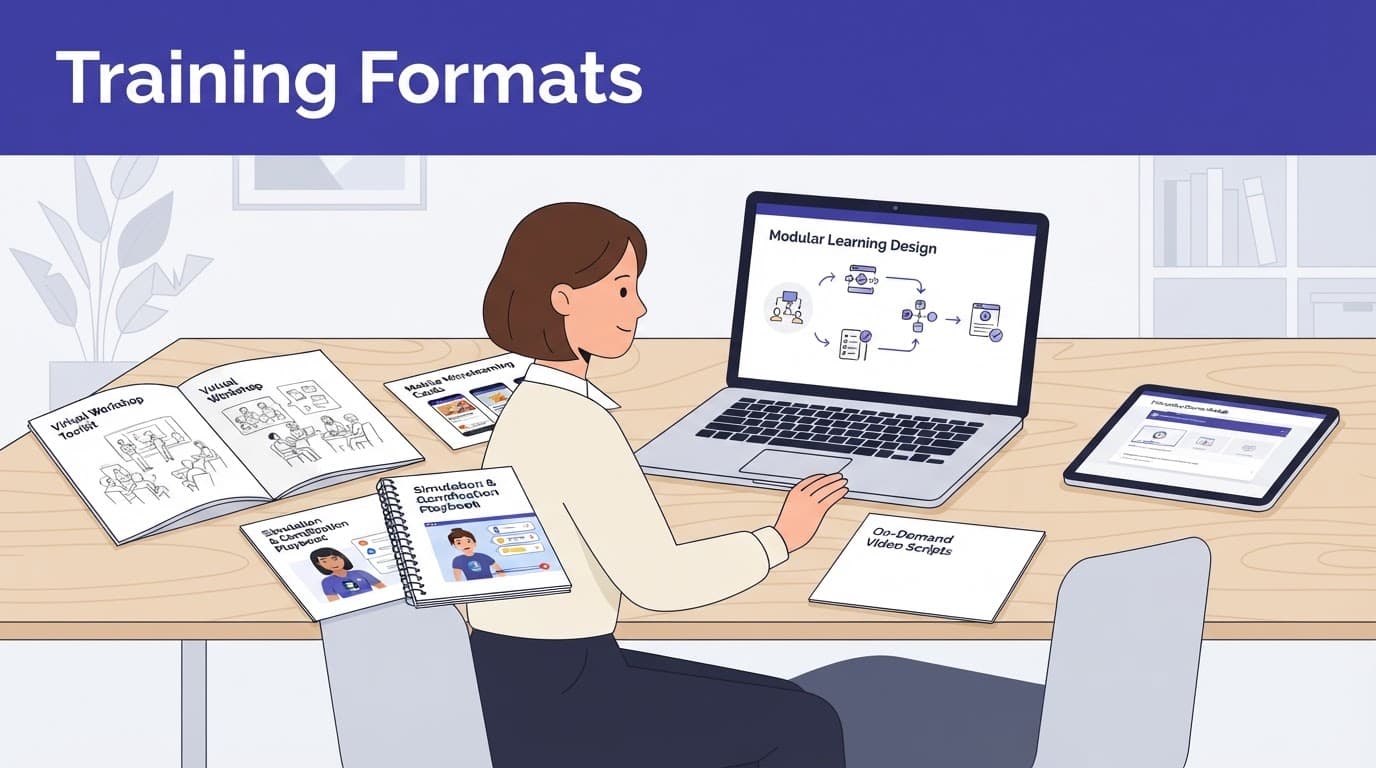
Use this guide to match a training SOP format to the work situation:
Work situation | Best training format | Why it fits |
|---|---|---|
A short, low-risk routine | Checklist or quick-reference job aid | Employees can use it at the point of work. |
A task with several dependent actions | E-learning module or hierarchical steps | Learners can review each stage at their own pace. |
A physical or system-based task | Walkthrough video plus supervised practice | People can see the correct sequence and then perform it. |
A judgment-heavy process | Instructor-led session and scenario simulation | Discussion exposes decision points and exceptions. |
A complex handoff or branching workflow | Flow chart with role-based instructions | It clarifies who acts next and when escalation begins. |
Simple steps work when there is one path and little room for interpretation. A training SOP with nested actions needs hierarchical steps, such as preparing a shipment, checking documentation, and recording completion.
Use a flow chart when the next action changes based on an answer. For example, an accounts-payable workflow may branch if an invoice matches the purchase order, lacks approval, or exceeds a set threshold. For complex resources, hierarchical steps can sit beside a visual decision map, exposing different next actions and decision points faster than several paragraphs.
Instructor-led sessions are useful when an experienced trainer can use the training SOP to share context, discuss decision points and exceptions, and correct misunderstandings. However, a live session alone doesn't give employees a durable reference. Pair it with a searchable job aid, a focused training manual, and the relevant SOP link.
Create role-based learning paths
One SOP can touch multiple roles, but each role doesn't need the same training. Use the SOP manual to map each section to the roles and responsibilities of the people it affects. Build the training SOP around people who must know, perform, approve, or monitor each task. A warehouse associate may need to execute a receiving procedure, while a supervisor may need to approve an exception. A quality assurance reviewer may need to audit the completed records.
Give each audience only the part of the workflow relevant to its duties. Then set the right depth for each audience. This prevents employees from sitting through material that doesn't apply to their work, while protecting sensitive details from unnecessary access.
For an employee who performs the task, the training SOP should include the complete procedure, common mistakes, and hands-on validation. Give managers a role-specific training manual focused on review criteria, escalation paths, staffing implications, and signs that the procedure is failing. Technical advisors may need system settings, data definitions, and controls that operators never touch.
Accessibility belongs in the design from the start. Add captions and transcripts to videos. Provide alt text for essential visual aids. Keep color from being the only way a diagram communicates a decision. Use readable headings and descriptive links so a screen reader can move through the material. Before release, run a readiness check to verify that role assignments, permissions, accessibility features, and linked materials are complete.
A document management system can help teams compare the current procedure with related job aids, quizzes, and slides before release. Keep each training SOP and its role-specific resources current. The goal is simple: each employee should find the current instruction without hunting through folders or relying on memory.
Test comprehension, then validate performance
A completion record for a training SOP is not proof of competence. Employees can finish an e-learning module without understanding a key decision. Knowledge checks reveal employee comprehension, but observed performance shows whether learners can interpret the rule in context and apply it against the SOP manual.
Place short checks after the parts of the task where errors carry the most risk. Ask scenario-based questions that require learners to apply the training SOP at critical decision points, such as: “A required approval is missing. What action must happen before the order moves forward?” Avoid questions that only test whether someone remembers a phrase from the SOP.
Before independent performance, complete a readiness check. Confirm that the learner has the required access, materials, and prerequisite knowledge. Next, have the learner perform the task in a safe environment that reflects the real workflow, or under observation. A trainer or supervisor can use a structured checklist to record whether the employee:
Followed the required sequence without prompting.
Recognized a stop condition or exception.
Completed the required record accurately.
Escalated the issue to the correct person.
Document the outcome, assessor, approval signatures, the version of the third training SOP used, and any remediation. This record helps quality assurance confirm that assessment produces reliable performance. It creates a useful training record for managers and supports quality control during an audit.
Control versions and use feedback to improve the materials
Version control prevents a common and costly failure: employees receive a revised SOP while trainers still teach last year's slides. Store the SOP manual and every related training asset in a controlled location, with the training SOP kept alongside the source. Give each item an owner, version number, revision history, effective date, and review date.
When the workflow changes, assess how the change affects the process and procedures before publishing. A minor wording correction in standard operating procedures might require no retraining. A new approval step, system field, safety requirement, or regulatory control may require an updated training SOP and reassessment. Revised assets aren't effective until the required approval signatures are complete, so retire old files, replace printed job aids, and notify affected roles.
Employee-training SOP guidance often emphasizes consistent, documented steps. Use the training SOP to support continuous improvement, with feedback and approvals built into publication and review. Ask employees where they hesitated, what information was missing, and which visuals no longer matched the work.
Review error trends, support tickets, audit observations, and supervisor comments. If the same mistake appears repeatedly, don't assume employees need to "pay more attention." Check whether the procedure is ambiguous, the format hides a choice, or the practice exercise fails to mirror the job.
Common mistakes that weaken training
Many teams turn an SOP into a training manual by copying dense procedure text into slides or SOP training materials. A weak training SOP reproduces instructions without giving learners practice, context, or a clear performance check.
Others create polished materials without consulting the people who do the work. Even polished slides can confuse learners when they preserve passive or overly formal wording instead of using active voice. Involve workers early, then have process owners approve the final content.
Avoid treating a training program as a one-time event. As systems change, process and procedures evolve, and employees develop workarounds. Regular review and refreshers keep learning connected to the work employees actually perform.
Frequently Asked Questions
What is the difference between an SOP and a training SOP?
An SOP documents the approved way to complete a task and remains the source of truth. A training SOP turns that procedure into a learning experience with context, practice, examples, and performance checks.
How should I choose a format for SOP training materials?
Choose the format based on the task's frequency, risk, complexity, and number of decision points. Simple routines may need a checklist, while physical tasks, judgment-heavy work, or branching workflows may require videos, supervised practice, simulations, or flow charts.
How can I tell whether an employee is competent?
A completion record or quiz score alone does not prove competence. Use scenario-based knowledge checks followed by observed performance to confirm that the employee can follow the sequence, recognize exceptions, complete records, and escalate issues correctly.
How do I keep training materials aligned with the SOP?
Store the SOP manual and related training assets in a controlled location with owners, version numbers, revision histories, effective dates, and review dates. When the process changes, assess whether retraining or reassessment is needed, retire outdated materials, and notify affected roles.
Build competence, not just documentation
The strongest training package separates the approved record from the learning resource. A training SOP keeps the approved procedure stable while helping employees learn, practice, and verify performance. It uses the right format for each task and focuses on each role.
When version control and feedback shape the process, SOP training materials become reliable tools for daily work, rather than documents people open only before an audit.