A single PDF can be manageable. Ten research papers, policy documents, or contract drafts can bury an important answer for hours.
AI document analysis lets you chat with multiple PDFs in one workspace, so you can compare claims, locate evidence, and build a clearer view of the material. The quality of your results depends on how you prepare files, phrase questions, and check the sources behind each answer.
Key Takeaways
Organize related PDFs into a single project, folder, or knowledge base before you begin asking cross-document questions.
Use precise prompts that clearly specify the documents, the topic, the comparison points, and the desired output format.
Determine whether your chosen platform supports unified multi-file search or if it processes individual documents one at a time.
Always request page-level citations and read the original passages to confirm the accuracy of important findings.
Evaluate file size limits, OCR support, data retention policies, and privacy controls before uploading sensitive material to any AI service.
How AI Reads Across Multiple PDFs
Most AI PDF tools perform multi-document analysis by extracting text from every uploaded file, dividing it into smaller passages, and utilizing semantic search to create a searchable index. When you ask a question, the system retrieves relevant passages from across the collection and uses them to form an answer.
That setup differs from opening PDFs one by one. Instead of searching the same term in twelve reports, you can ask for every document's position on a subject. The AI should bring together the relevant sections and identify where each finding came from.
Platforms handle this process in different ways. Some use folders or project spaces that create a shared index. Others allow several attachments in one chat session. A few tools process files sequentially, which can weaken answers that require direct comparison.
Adobe Acrobat AI Assistant, for example, offers PDF Spaces for grouped documents and can provide page-level references across a source set. NotebookLM provides a robust way to synthesize large amounts of data, while ChatPDF organizes multi-file work through folders. Academic-focused tools such as SciSpace support conversations across selected papers, helping you navigate complex research.
Before committing to a platform, test it with a question that requires evidence from at least two files. When analyzing academic articles, it is essential that the language model can cite specific sources to ensure accuracy. A useful answer should identify both sources rather than summarize only the most recently uploaded PDF.
An answer without a traceable source is a starting point for research, not a final finding.
Prepare Your PDF Set Before You Start Chatting
File preparation saves time and improves retrieval accuracy. Begin by gathering documents that belong to the same project or query. For a literature review, this might mean grouping academic articles, methodology notes, and previous findings so you can easily summarize research papers. For business or engineering projects, you might combine proposals, meeting briefs, and technical documents to get a holistic view of your data.
Use clear filenames before uploading. "Smith_2025_Methods.pdf" gives you much more control than "finalversion2.pdf." Clear naming helps when you ask the AI to compare specific documents or cite them in a report.
Next, confirm that the PDFs contain machine-readable text. Scanned pages are images, so you must use OCR for scanned PDFs before an AI can search their contents reliably. Some platforms include this feature, while others require you to run the conversion first. Inspect a few extracted passages if a document includes tables, handwritten notes, unusual fonts, or complex two-column layouts.
Prioritize Folder Organization
Consistent folder organization is essential for keeping your workspace clean. Keep unrelated material in separate folders to prevent the AI from confusing different topics. Mixing a dissertation's sources with unrelated client files makes results harder to interpret and increases the risk of irrelevant citations.
A simple upload sequence works well:
Create a project, folder, or library for one specific research question.
Upload the core PDFs first, then add your supporting material.
Wait for the processing to finish before asking complex comparison questions.
Ask the AI for a source inventory, including document titles, dates, authors, and page counts.
Correct any mislabeled files or poor OCR results before beginning your deeper analysis.
Some tools also accept DOCX files, web pages, Markdown, and plain text. Adding these sources can help, but you should mark their origin clearly. A web article and a peer-reviewed paper should not carry the same weight in your final assessment.
For high-volume work, an OpenAI community discussion about analyzing large PDF collections illustrates a common concern: scale alone does not produce reliable cross-document reasoning. Your prompts and source checks still matter just as much as the quality of your input files.
Ask Questions That Compare, Synthesize, and Cite
Vague prompts rarely yield precise results. Using specific natural language queries is essential, as general requests for summaries often fail to expose disagreements, missing data, or subtle methodological differences.
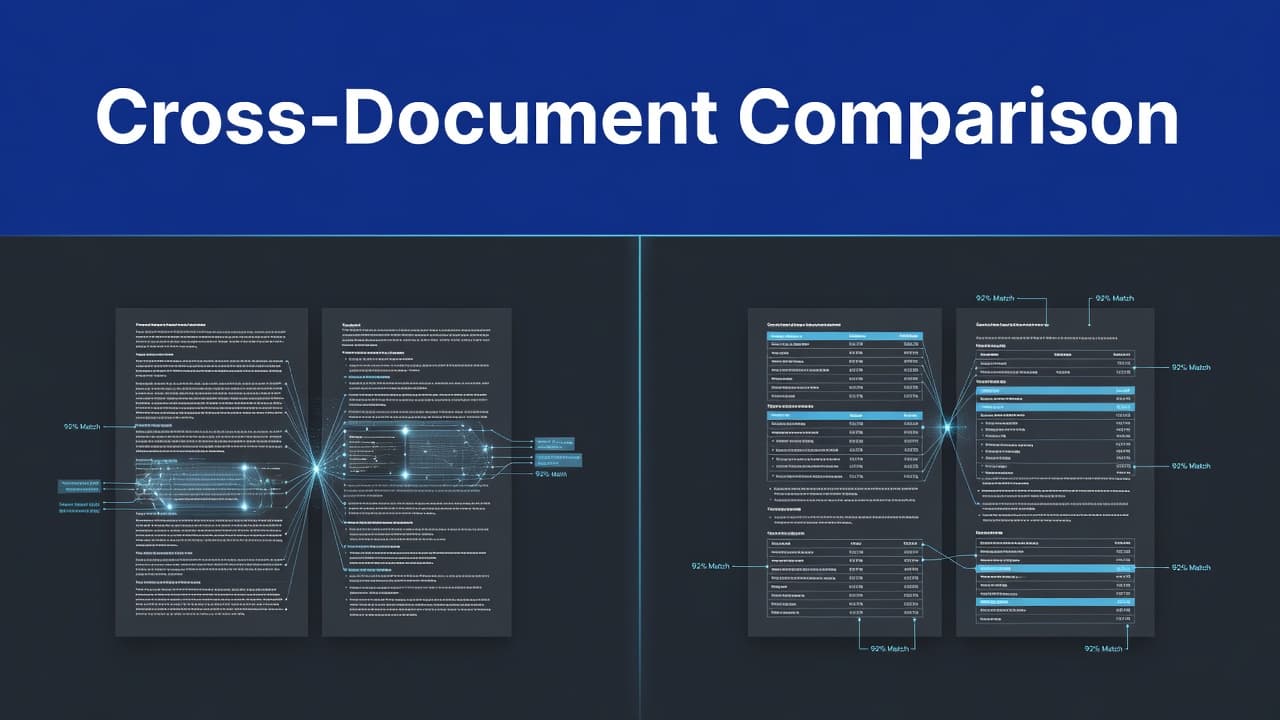
Instead, state the task, define the source scope, set comparison criteria, and demand evidence. Name specific documents when titles matter. When you need a side-by-side analysis, ask the AI to build literature review matrices to compare methodologies across multiple sources. Always request page references whenever the finding will shape a paper, recommendation, or professional decision.
Prompts for comparing documents
Try these prompts after uploading your PDF set to help you compare methodologies and highlight inconsistencies:
"Compare the definitions of employee engagement in all uploaded reports. Quote the relevant wording and cite the document title and page number for each."
"Create a table comparing the study sample, method, main result, and stated limitation in these five papers."
"Find every place where the 2024 policy draft conflicts with the 2025 revision. Cite the page and section for both passages."
"Which documents support the claim that remote work improves retention? Separate direct evidence from opinion or speculation."
"List the recommendations shared by at least three documents. Include a page-level source for every recommendation."
These prompts guide the model to retrieve and contrast evidence rather than produce a polished but ungrounded response.
Prompts for synthesis and research writing
After establishing your comparison, move to synthesis to extract key insights. Ask the AI to group themes, identify uncertainty, and distinguish strong evidence from repeated assertions to generate clear cross-document insights.
For example, use: "Synthesize the findings across these papers on sleep and academic performance. Group results by study design, report conflicting outcomes, and cite every claim at page level." That request discourages the model from flattening different types of evidence into one singular conclusion.
You can also ask: "Build an outline for a literature review using only these PDFs. Put each source in the section where it best fits, and include its page-level evidence." Review the outline against your reading notes before writing. AI can sort material quickly, but it cannot judge scholarly importance on your behalf.
When results look incomplete, ask a follow-up such as: "Search every uploaded document again for references to attrition, dropout, or participant loss. State which files contain no relevant passage." Follow-up prompts often reveal synonyms that a first question missed.
A video tutorial on automated PDF analysis with Make and Anthropic can be useful when repeated document extraction needs a workflow outside a standard chat interface. For individual research sessions, a well-organized document workspace is usually easier to audit.
Choose a Tool Based on Your Documents and Risk Level
Selecting the right browser-based tool depends on your specific workflow rather than the loudest feature list. Students often need fast summaries, while researchers require deep analysis across a literature set. Professionals, meanwhile, must prioritize permissions, retention controls, and support for sensitive files.
Use this comparison as a starting point:
Need | Feature to look for | Why it matters |
|---|---|---|
Research synthesis | Side-by-side interface and source citations | Connects and displays findings across papers |
Scanned archives | Built-in OCR and similarity matching | Locates related content across image-based files |
Contract review | Page or section references with source citations | Supports fast, reliable verification |
Large collections | Generous file and storage limits | Prevents constant file swapping |
Sensitive records | GDPR compliant and SSL encryption | Limits unnecessary exposure of private data |
Check the fine print before uploading. File-count limits, maximum file size, page caps, and monthly query limits vary by plan. The quality of references also varies. One tool may cite only a filename, while another links directly to a page or a highlighted passage for better verification.
Privacy policies vary even more. Always look for providers that are GDPR compliant and maintain high standards like SSL encryption to protect your data in transit. Read whether the provider stores documents, uses them to improve models, allows workspace deletion, or offers business-grade controls. Remove unnecessary personal data from your documents whenever possible. Never treat an AI chat window as a substitute for your organization's approved document management rules.
User discussions can help reveal real limits, although they are not proof of a platform's claims. A community thread on AI tools for large PDF sets shows why users should test their own document types before moving an entire archive.
Verify Every Important Answer Against the PDFs
AI can miss context, misread a table, or combine two similar claims into one incorrect statement. While these systems provide instant answers with impressive speed, you must check them for accuracy to ensure you are receiving relevant responses. The system may also answer confidently when a source is silent. Citations reduce that risk, but they do not remove it.
Open the cited page and read the surrounding paragraph, table note, or section heading. Check that the citation supports the exact wording of the answer. If the AI says two sources disagree, inspect both passages before repeating the claim.
For high-stakes work, ask the system to separate direct quotations from its own summary. Then, keep a record of the prompt, source files, and verified excerpts. This creates a trail you can revisit when a supervisor, colleague, or client asks where a conclusion came from. Ultimately, verifying these instant answers is the only way to ensure the data is reliable for your most critical professional projects.
Frequently Asked Questions
Can I chat with multiple PDFs that are scanned or handwritten?
Yes, but you must ensure the documents are machine-readable first. If your PDFs are scans of paper documents, use an OCR (Optical Character Recognition) tool to convert the images into searchable text before uploading them to the AI.
How does the AI know which file a specific piece of information came from?
Most professional AI PDF tools are designed to provide citations that include the filename and page number for every claim. Always verify these references by clicking the citation link to ensure the AI accurately interpreted the original source text.
Will the AI get confused if I upload too many unrelated documents?
Yes, uploading unrelated files can lead to irrelevant results and decrease the accuracy of your answers. It is best to organize your files into specific projects or folders to help the AI maintain focus on the relevant material.
Is it safe to upload sensitive or private documents to these AI tools?
Not all platforms offer the same level of security and data privacy. Before uploading sensitive information, review the provider’s privacy policy, check for GDPR compliance, and confirm whether they use your files to train their models.
Turn a PDF Pile Into Usable Evidence
Multi-file chats work best when you treat AI as a research assistant with fast retrieval, rather than the final authority. By grouping related files, asking precise cross-document questions, and demanding page-level evidence for claims that matter, you can streamline your workflow significantly.
Once your sources are organized, the ability to chat with multiple PDFs replaces repetitive searching with focused analysis. Your original documents remain the foundation of your research, and your verification process turns an AI response into reliable evidence. By using these tools to synthesize information, you transform a disorganized stack of documents into actionable insights you can trust.