Your lecture notes can contain every exam topic and still leave you unsure how the ideas connect. AI concept mapping turns those pages into a visual draft that makes complex information easier to understand. The useful work happens when you check and revise its connections.
You don't need a perfect diagram on the first try. AI-powered tools that use large language models can draft a first-pass visual structure, but they can't verify its accuracy. Start with one lecture, give the AI a narrow task, and build a map you can explain without looking at your notes.
Know what you're trying to make
A concept map places ideas in nodes and uses relationship mapping to label how they relate. "Light-dependent reactions produce ATP" is a meaningful connection. A connecting line between "light-dependent reactions" and "ATP" leaves you to guess what the line means.
A mind map usually branches outward from one central topic. It's useful for collecting terms or planning a study session. A concept map can arrange nodes in hierarchical order and show cross-links between branches. For example, linking ATP under "light-dependent reactions" to ATP under "Calvin cycle" can help you explain how the processes relate.
The Stanford Center for Teaching and Learning's concept-mapping guide recommends connecting related concepts with lines or arrows and adding links across branches. Use that as a test for an AI draft: if it produces a tidy tree of topic names but no labeled relationships, you have a starting outline, not a finished concept map.
A concept map and a knowledge graph both use labeled relationships, but the formats aren't automatically interchangeable. An AI tool may identify terms, group similar ideas, suggest relationship phrases, and arrange the results visually. Those suggestions still need your judgment. A plausible line can misstate a cause, omit a condition, or connect ideas your lecturer discussed separately.
Prepare lecture notes for AI concept mapping
Give the tool one teachable topic
Choose a section you could review in one sitting, such as a lecture on cellular respiration. A focused, accurate source makes more useful study material. A whole semester of notes can produce a crowded diagram with few useful connections.
Keep your lecturer's learning objectives, emphasized examples, exact course terminology, and key concepts for the AI to extract. Remove duplicate slide text, empty bullets, unrelated reminders, and obvious transcription mistakes. If a PDF contains a diagram or table, inspect it yourself because extracted text may miss relationships shown visually.
For a related approach to organizing dense course material, see how to create study materials from lecture slides and notes.
Repair shorthand before uploading
Notes written in the room often rely on context that isn't on the page. "It inhibits the process" won't tell an AI which substance "it" refers to. Replace the shorthand with the subject your lecturer intended, or mark it as unclear.
Keep uncertainty visible. If you missed a definition, write "definition missing" rather than filling the gap from memory. Add page numbers, slide titles, or timestamps when you have them. They'll make disputed links easier to check later.
If your notes include private information or restricted course material, check your institution's AI rules and the tool's upload terms before sharing files.
Build the map in three passes
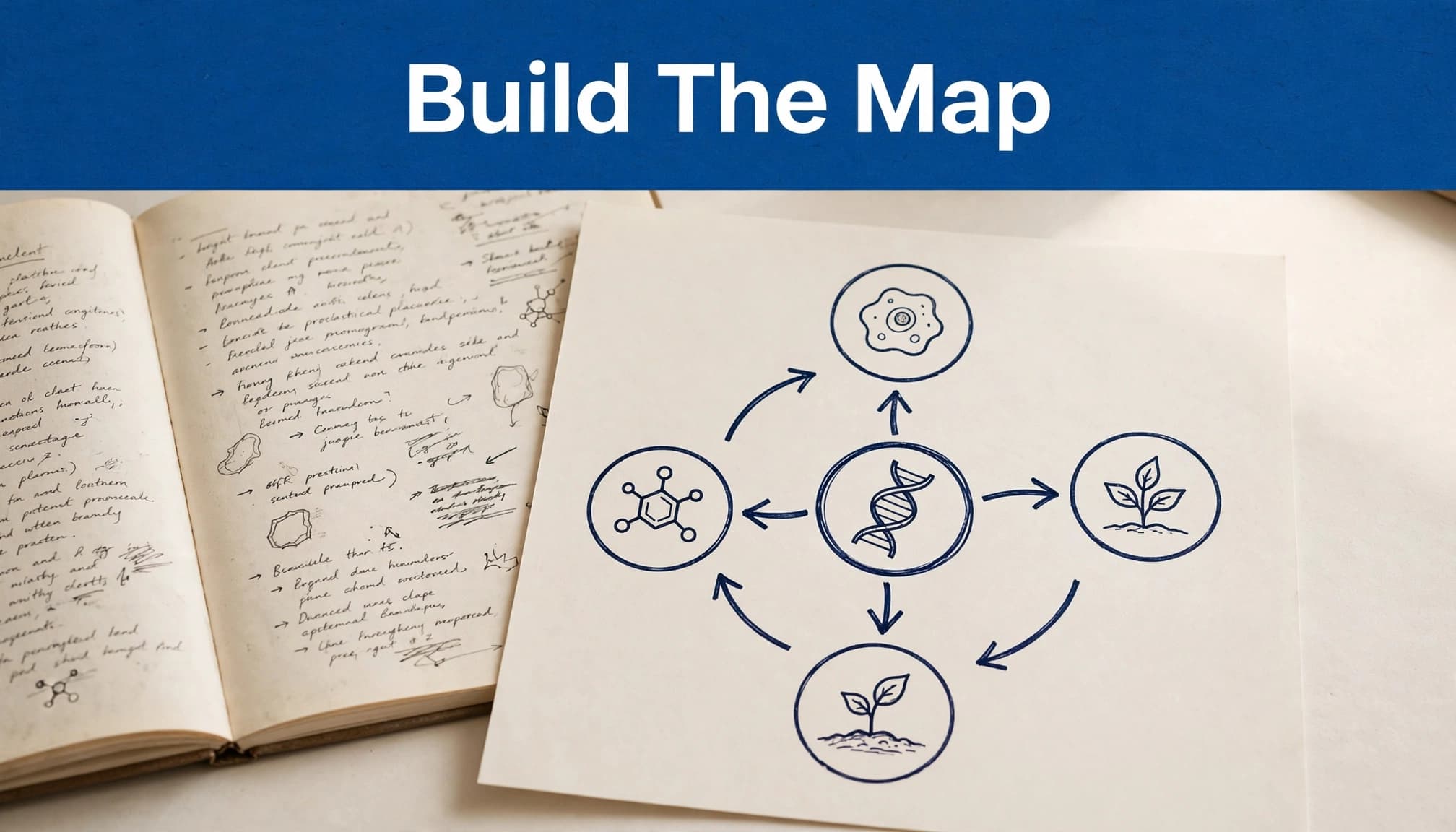
First, extract concepts without drawing
Ask the AI to identify the lecture’s main question and a short list of concepts needed to answer it. Request brief definitions in your course’s wording and a source location where available.
Review this list before requesting a diagram. Merge duplicates, remove minor examples that don’t clarify a relationship, and restore any term your instructor emphasized. This is faster than untangling a sprawling map afterward.
Next, request labeled relationships
Use a concept map generator to draft labeled relationships, and give it boundaries it can follow:
"Using only these lecture notes, propose a concept map for [topic]. List the main concepts and connect each pair with a short phrase that makes a complete factual statement. Label the connecting lines, and include cross-links where the notes support them. Give a slide, page, or heading for each link when available. Mark uncertain connections for review rather than inventing details."
A useful response might connect "light-dependent reactions" to "ATP" with "produce," then connect "ATP" to "Calvin cycle" with "is used by." The verb matters: it tells you what you should be able to explain on an exam.
Finally, arrange the draft for reading
A visual tool can help turn the list into a structured diagram and make visualizing information easier. Put the lecture’s central question or central concept near the top or center. Arrange major branches in hierarchical order, but keep connections between branches when the notes support them. Group supporting ideas by process, comparison, or cause, then add links where two groups genuinely meet.
The UWEX concept-map guidance follows a similar progression: start with a focus, identify components, add details, then connect and organize them. Keep the layout readable. A smaller map you can explain is easier to interpret when working with complex information than a dense image that preserves every sentence.
Verify the AI's relationships against your notes
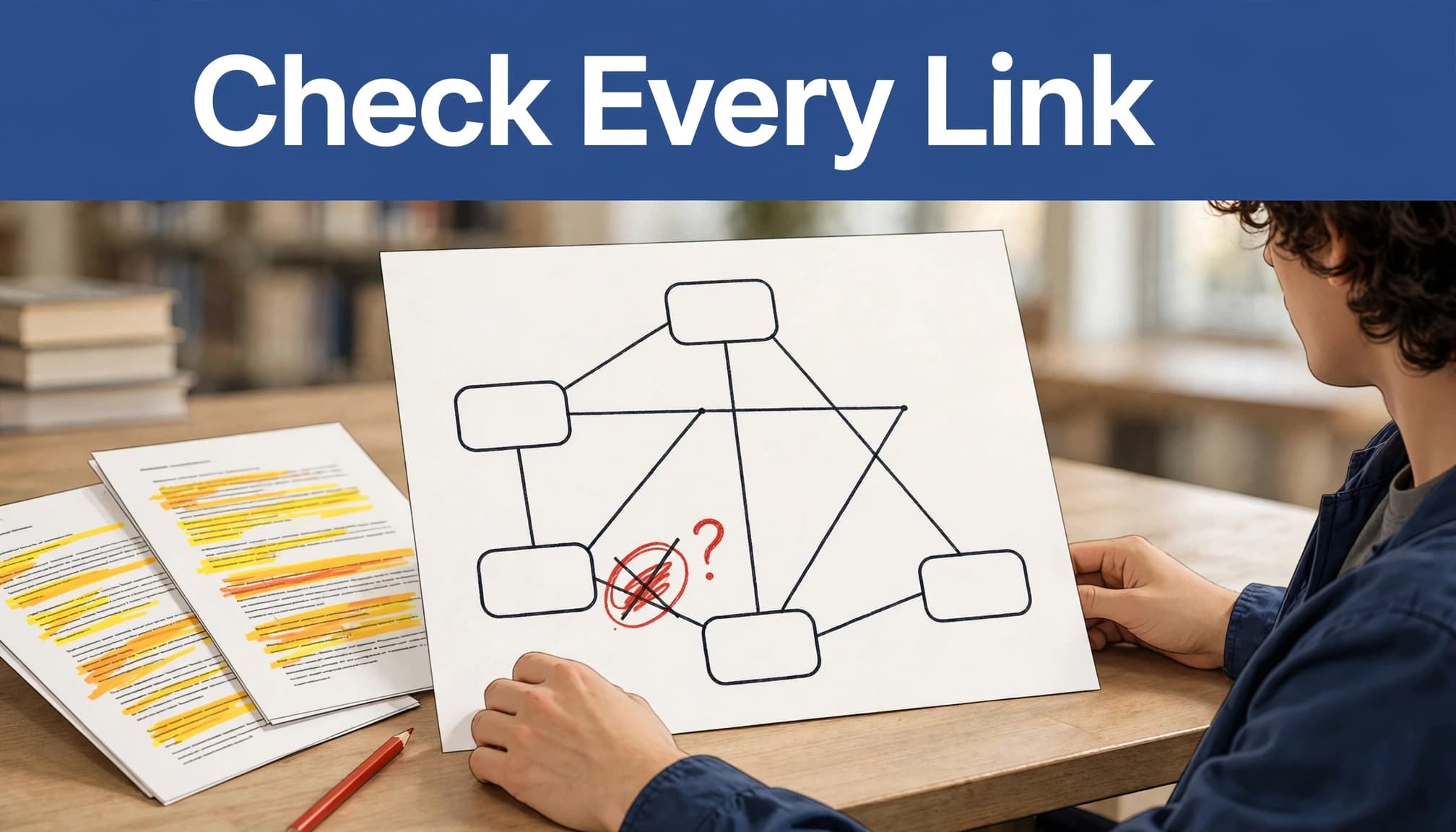
Read every line as a claim
Turn each connection into a sentence: "A causes B," "A occurs before B," or "A is an example of B." Then locate support in the lecture notes, slides, or assigned reading.
Pay close attention to words that change meaning. "Causes" is stronger than "is associated with." "Always" may erase an exception. An arrow can also reverse the direction of a process. Check formulas, units, dates, and conditions with the same care you'd give them in written notes.
If you can't say what a connecting line means and point to its source, mark it for review before studying from it.
Fix omissions and misleading shortcuts
AI often compresses a sequence into one connection. When that hides an important step, add a node rather than writing a longer, harder-to-read label. Delete irrelevant nodes, but keep exceptions your lecturer tested or repeated.
If two sources disagree, don't let the AI blend them into a confident statement. Note the disagreement and follow your course's assigned materials and instructor guidance. Save the corrected map beside its source notes so you can revisit a disputed link later.
Choose tools by the job they do
A document-study tool and a visual tool solve different problems. Use document chat, often supported by large language models, to find and check concepts, then use a concept map maker or diagramming tools to arrange the map. Don't assume document chat includes concept-map generation, or that a concept map generator can show evidence for every link.
Tool or approach | Useful role | Check before relying on it |
|---|---|---|
NotebookLama | Study uploaded material through cited answers, summaries, quizzes, and flashcards | Whether you'll need a separate tool to draw the map |
IHMC CmapTools | Construct and revise concept maps | Whether its editing and sharing workflow fits your device |
Cmap Cloud | Build and share maps in a browser | Whether real-time collaboration and options to export and share fit your assignment |
NotebookLama's document chat and study features can help you clarify a confusing term or test ideas drawn from uploaded notes. For direct map editing, IHMC CmapTools is designed around constructing and examining concept maps. Cmap Cloud supports browser-based creation and sharing; IHMC also lists CXL export.
If you're considering an AI concept map generator such as Mapify or a canvas tool such as Miro, test the same short lecture in each. Check whether you can edit linking phrases, add cross-links, arrange nodes in hierarchical order, and inspect source evidence in an interactive diagram. If a tool outputs a knowledge graph instead of a concept map, confirm that format suits your assignment. You can also check for optional Present mode or an infinite canvas. Verify current upload, privacy, and export options yourself. A polished preview tells you little about how easily you can correct a wrong relationship.
Use the finished map to prepare for exams
Rebuild it from memory
Look at the checked map once, then hide it. On a blank page, write the central concept and rebuild the major branches, adding connecting phrases from memory before checking what you missed.
Next, explain two cross-links aloud. If you can name both concepts but can't explain their relationship, you've found a study gap. This turns the map into a recall task rather than another page to reread.
A 2024 study of retrieval-based concept mapping found better delayed-test performance when learners made a map, then recalled material in writing. This suggests retrieval practice may support memory retention, but it doesn't prove an AI-generated map teaches the content by itself. Your effort to retrieve and explain the connections matters.
Turn weak links into questions
Make a short question for each relationship you couldn't rebuild. Instead of a card asking "What is the Calvin cycle?", ask how ATP from the light-dependent reactions relates to it. A question about the connection tests more than recognition of a term.
You can then review the source passage, correct the map, and try again later. For processes with calculations, use a worked problem as well. A concept map can show when a formula applies, but it won't replace practicing the calculation.
Key Takeaways
Start with one cleaned lecture topic, not an entire unedited notebook.
Ask AI for concepts and labeled relationships before asking for a polished diagram.
Check every link against your notes, especially causal claims, directions, and exceptions.
Choose a tool based on source checking, editing, and export needs.
Rebuild the verified map from memory to find what you still can't explain.
Frequently Asked Questions
Can I make a concept map from a PDF or lecture video?
Yes, if your chosen tool accepts the file or you can provide extracted text. For a video, a permitted transcript gives the AI text to work with. Check it against the audio, slides, and diagrams before trusting the result. Support for direct PDF uploads or video links varies by tool.
Can AI generate a concept map automatically?
A concept map generator can suggest concepts, links, and sometimes a visual layout. Check its suggested links against what the lecture taught. A generated concept map isn't necessarily a knowledge graph or arranged in hierarchical order. A tidy hierarchy may still omit cross-branch relationships. If it shows only a central bubble with unlabeled branches, ask for meaningful linking phrases and cross-links.
Which format should I export?
Choose a format your instructor accepts and you can still revise if needed. PDF or PNG may suit a finished submission, while an editable format is better during review. Formats differ across products, so check the tool's current export menu before building a large map. Cmap Cloud lists CXL export, but don't assume it offers every format you need.
Conclusion
A crowded notebook becomes more useful when you can see and explain the relationships inside it. AI can draft that structure quickly, but your source check turns it into a study tool you can trust.
Keep the map focused, correct its links, and rebuild it without looking. The connections you struggle to restore are the ones to study next.