Smart summaries can feel productive while leaving you unable to answer a single exam question. A useful AI study guide does more than shorten a chapter. It preserves the textbook's terms, points back to the source, and gives you material to retrieve from memory.
AI can save time organizing a difficult reading, but it can also flatten exceptions, misread a scan, or invent a connection between ideas. Use it as an AI tutor and study partner, then make the textbook the final authority.
Key Takeaways
Build each AI study guide around one chapter or one clearly defined textbook section, rather than uploading an entire course at once.
Ask AI for a map, definitions, examples, and practice questions that stay within the uploaded source.
Check every formula, date, quotation, figure, and qualified claim against the original page.
Turn the approved guide into study materials for active learning, including flashcards and short practice quizzes, instead of rereading summaries.
Review course rules and privacy terms before uploading copyrighted or sensitive material.
What a Strong Study Guide Includes
A custom study guide generated from the textbook should help you see a chapter's structure before memorizing details. Custom study guides should also retain the vocabulary your instructor and textbook use, even when an explanation uses plainer language.
Start with the chapter's learning path
Ask for the major sections in their textbook order. For a biology chapter, that might mean processes, structures, and experimental evidence. For history, it may mean chronology, competing interpretations, and primary sources.
A good chapter map includes:
Main ideas in the order the author develops them.
Essential terms with short, source-based definitions.
Examples, cases, diagrams, or equations worth revisiting, especially for visual study guides.
Connections between sections that students often confuse.
Questions that test understanding rather than recognition.
Keep page references and context
A summary without a source trail is hard to trust. Ask the tool to include page or section references whenever possible, then open those pages before adding a claim to your final notes.
A citation tells you where to check, not that the AI interpreted the passage correctly.
This matters most when a textbook uses careful wording such as "may," "under certain conditions," or "correlates with." Those qualifiers often appear on exams, yet short summaries can erase them.
Prepare the Textbook Before You Upload It
The quality of your input sets the ceiling for your output. A clean chapter PDF will produce a more reliable result than blurry photos, mixed course materials, and an instruction that says only "make study notes."
Work in focused sections
Start with one chapter or a coherent subsection. If a chapter is long, split it at the textbook's own headings and complete one part at a time. Keep the chapter title, edition, and page range in the file name or workspace title.
Add lecture notes, lecture slides, an instructor's study objectives, and your own notes only when they cover the same topic. Use them to add context, but don't let them override the textbook's terminology. Otherwise, the tool may combine unrelated concepts. If slides support the reading, this AI-powered lecture slide workflow can help you turn the deck into focused review material.
Handle scanned pages with OCR first
If you cannot select text or search for a phrase in a PDF, it is likely image-based. Run optical character recognition, often called OCR, before asking detailed questions. Then compare several extracted sentences to the page.
Check headings, footnotes, tables, equations, labels, and words split across columns. AI tools can misread a minus sign, a superscript, or a table cell. Test one difficult page before trusting the tool with the whole chapter.
Google's NotebookLM source guidance lists PDFs, text and Markdown files, Google Docs and Slides, web URLs, public YouTube URLs, audio files, and pasted text among its supported sources. Even when a platform accepts a large file, chapter-level work produces clearer questions and easier verification.
Build an AI Study Guide From the Textbook
Once the source is clean and organized, create a structured draft. Keep your instructions narrow, and require the tool to identify uncertainty instead of filling gaps with general knowledge.
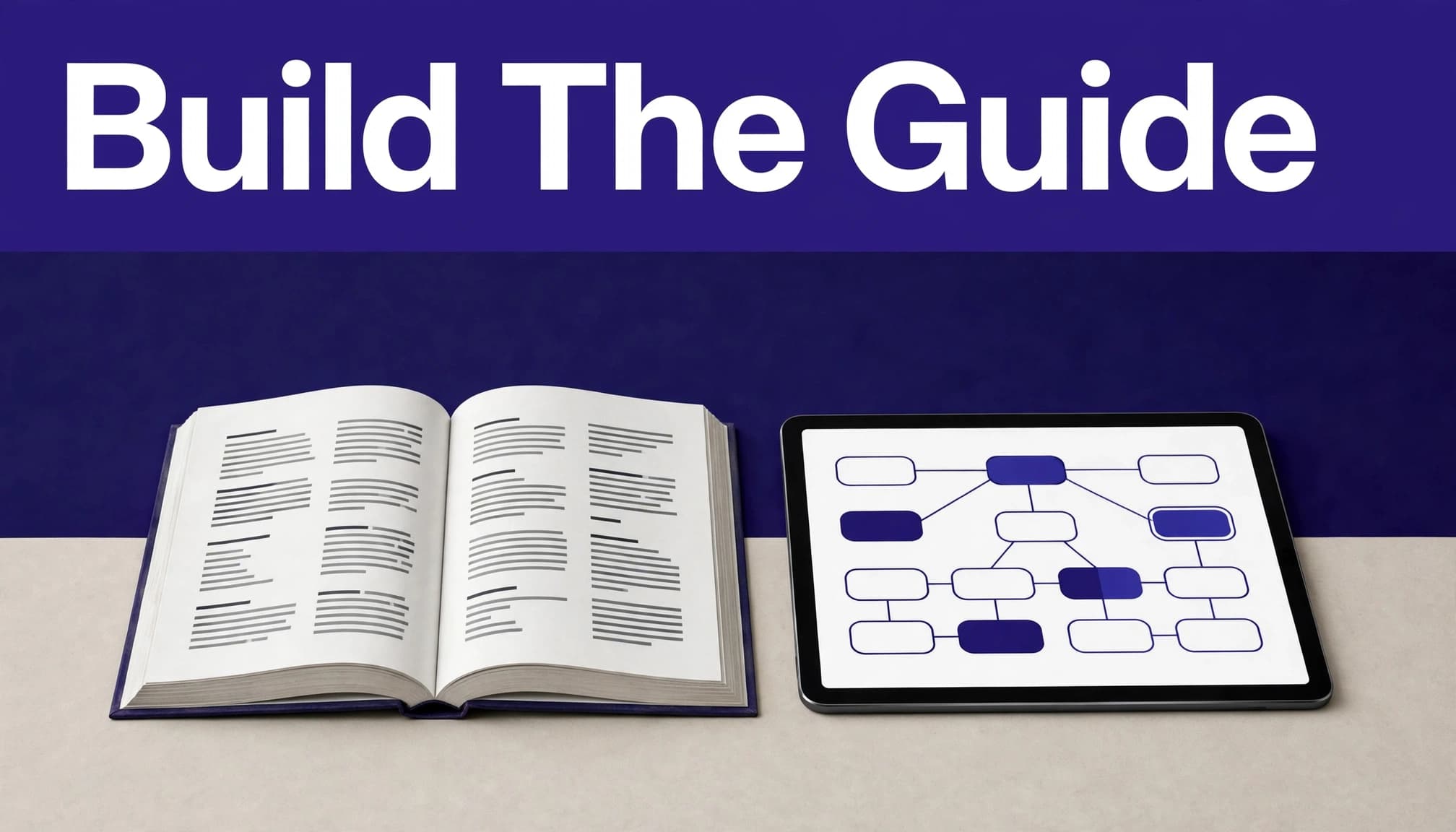
Ask for a source-grounded first draft
Use this sequence:
Upload one chapter or section and ask for a brief inventory of its headings, visuals, key terms, and page range.
Request an outline that follows the textbook's order, with definitions and examples separated.
Ask which concepts depend on earlier chapters, so you can identify gaps before studying.
Add your class objectives or rubric, then ask the AI to compare the draft with them for syllabus alignment.
Copy only checked material into your personal guide, with page references beside major points.
An AI study guide works best when it has clear boundaries. Treat the AI tutor as a source-grounded drafting assistant, not a replacement for the textbook. If the source does not answer a question, it should say so.
Verify the details that can cost marks
Read the relevant textbook page after every major output. Prioritize formulas, dates, names, causal claims, quoted language, diagram labels, and exceptions to a rule. For a statistics chapter, work each formula example yourself. For literature, reread the passage before accepting an interpretation.
Cornell's guidance on AI and academic integrity makes the responsibility clear: students must verify AI output and its references when AI use is permitted. Treat the guide as a reviewed draft, not an answer key.
Reusable Prompts for Textbook Study
General tools such as ChatGPT or Claude can help, but they need your source material and precise constraints. A source-based study guide maker or an AI study tool can help, but different AI models vary in citation quality and long-chapter handling. Source-based document platforms are often easier for long chapters because they let you ask questions against uploaded text. They can also organize learning resources and produce study materials you can check against the source.
Create the outline and explanation
For a chapter map, paste: "Using only this textbook chapter, create a study guide in the same order as the headings. Include the central claim of each section, key terms, one textbook example, and the relevant page number. Preserve the author's terminology. Flag any information that is unclear in the source."
For difficult wording, paste: "Explain the section on [topic] in plain language without changing the textbook's meaning. First give a two-sentence explanation. Then list the exact terms I need to know, explain how they relate, and cite the page or heading for each point."
These prompts prevent vague summaries and make it easier to compare the output with the original chapter. You can also request diagrams or layouts for visual study guides when a topic benefits from a different format.
Generate questions and flashcards
For a practice quiz, paste: "Write 12 questions using only this chapter. Include four definition questions, four cause-and-effect or comparison questions, and four application questions. Put the answer and a short rationale after each question. Include the page reference that supports each answer."
For flashcards, paste: "Create 20 active-recall flashcards from this section. Use one idea per card. Keep answers brief, preserve important textbook wording, and include page references. Do not add facts missing from the source. Include at least five cards that ask about differences, conditions, or common confusions."
For math, science, accounting, or coding, add: "Show each solution step, name the rule used, and include one similar problem without the answer." For humanities, ask for comparisons of claims, evidence, context, and counterarguments. Choose a format for the task rather than assuming fixed learning styles determine whether a prompt works.
Use Active Recall Instead of Passive Rereading
Reading a clean guide feels easier than retrieving information from memory. However, recall practice shows what you can produce without looking, which is closer to the work of an exam.
Turn every heading into a question
Cover the answers in your guide and ask yourself questions such as "What conditions cause this process?" or "How does theory A differ from theory B?" Write or say the answer before checking it.
Carnegie Mellon University's explanation of retrieval practice describes this as active learning through recall. AI flashcards and practice quizzes are useful study materials only when they require retrieval. Interactive study materials should make you answer, check, and correct rather than skim familiar wording.
Keep a record of misses
Use a simple adaptive learning loop based on errors. Mark each question as correct, partly correct, or missed. Return to the textbook page for every miss, then revise the flashcard if its wording was vague or its answer lacked an important condition.
Spend more time on distinctions you confuse, such as mitosis versus meiosis or correlation versus causation. Repeated review of weak areas beats creating a larger pile of cards. Use these corrections to guide future study sessions. Research also suggests retrieval practice strengthens memory, although its effect on applying knowledge to unfamiliar problems is less certain.
Protect Your Materials and Follow Course Rules
Textbooks, course materials, and personal notes do not all belong in a public AI chat. Before uploading anything, check the platform, your school policy, and the assignment instructions.
Protect personal and restricted information
Avoid uploading patient details, research participant data, private feedback, unpublished thesis material, sponsor-restricted documents, or files belonging to other students. Remove identifying information when you have permission to use a document but don't need those details for study.
Read the service's privacy and data security terms before choosing a tool. Harvard's generative AI guidelines highlight the connected concerns of privacy, information security, copyright, compliance, and academic integrity.
Respect copyright and assignment limits
A textbook you legally access for class isn't automatically free to upload, share, or redistribute. Keep copies private, use only the pages you need, and don't circulate AI-generated guides that reproduce substantial portions of a book. The U.S. Copyright Office Fair Use Index offers background on how fair use is evaluated.
Teachers can use AI to draft practice questions or a lesson outline, but they should review every item for accuracy, reading level, and alignment with the course. Students should follow the syllabus even when AI only summarizes an assigned reading. Use the guide to prepare for your own work, then write your own analysis and responses.
AI Study Guide FAQ
Can I use a free AI study guide maker?
Many platforms offer free access or a limited free quota, but upload limits and features change often. Test a free option with one challenging chapter before relying on it for test preparation. Check whether it handles citations, scans, and the questions you need.
What is the difference between notes and an AI study guide?
Static notes record information. An AI study guide organizes that information into a chapter map, definitions, explanations, questions, and review prompts. The stronger version still includes your corrections, class emphasis, and source references.
Can parents and teachers use AI-generated practice quizzes?
Yes, when they review each question against the textbook and adjust the difficulty. Add questions that require explanation or application, because automated quizzes can overproduce simple definition recall. Never treat generated answers as final without checking the source.
Build a Guide You Can Defend
The fastest AI study guide isn't always the one that helps most on exam day. A reviewed guide supports exam preparation when it preserves context and leads to retrieval. It turns reading into active learning through active recall.
Start with a focused section, inspect the output against the original pages, and use missed questions to direct your next study session. The textbook remains the source. AI helps you return to it with better questions.