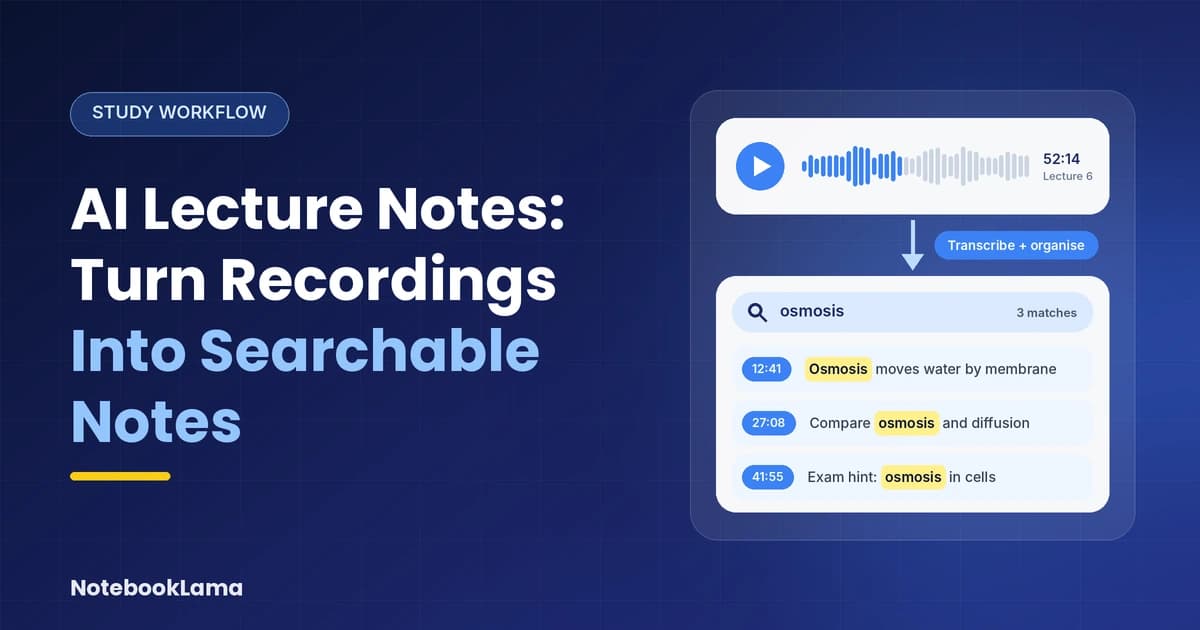
To turn lecture recordings into searchable AI lecture notes, students can prepare and transcribe the audio. Then correct errors and organize the material into a structured outline. Keep links to relevant moments in the recording so you can trace an answer back to its source.
A polished summary can still miss a condition, equation, or lecturer's correction. Choose a tool for your source material, then follow a repeatable workflow that keeps those details intact.
Key Takeaways
Keep the recording, verified written record, and study notes together so you can trace important claims.
Choose tools by their inputs and source-linking features, rather than the number of summaries they generate.
Combine keyword search with source-grounded questions, then test yourself without looking at the answers.
Choose AI lecture notes tools by input
Live recording, file transcription, and document summarization are different jobs. A text-only generator can't replace a recorder, while a meeting transcriber may offer a few study features.
These tools cover different combinations of capture and review.
Tool | Supported inputs and capture | Verified study features | Best when you need… |
|---|---|---|---|
Live lecture recording, existing audio files, PDFs, images, videos, PowerPoint files, and YouTube links | AI-generated notes and flashcards from recordings and uploaded material; practice tests and study modes | Notes or flashcards from a live lecture or existing course files | |
PDFs, Word documents, PowerPoint slides, images, articles, web pages, audio, video, YouTube links, and recorded lectures | AI notes, summaries, flashcards, quizzes, study guides, practice tests, and PDF Q&A | Turning several types of course material into a connected set of study resources | |
Live lecture recording, uploaded PDFs, slides, audio, video, and YouTube links | Structured notes, summaries, flashcards, quizzes, mind maps, and podcast-style study recaps | Converting lectures and course materials into multiple revision formats | |
Live Zoom, Google Meet, and Microsoft Teams meetings; imported audio and video files | Real-time transcription, meeting summaries, AI chat, and automated slide capture for supported meetings | Capturing spoken lectures or online classes and searching their transcripts | |
Browser-based lecture videos, including YouTube, Zoom, Teams, and Panopto capture | Real-time transcription, timestamped notes, flashcards, quizzes, and AI tutor chat | Capturing lecture videos in your browser and turning them into revision material | |
Live lecture recording, PDFs, slides, YouTube links, and uploaded study materials | Real-time notes and transcription, flashcards, quizzes, and Sparky AI tutoring | Combining live lecture notes with follow-up practice and study support | |
YouTube videos, audio and video files, PDFs, documents, and text | Transcription, summaries, timestamped video transcripts, flashcards, and quizzes | Summarizing recorded lectures and online videos or extracting information from documents | |
PDFs, Google Docs, Google Slides, Word and PowerPoint files, text, Markdown, web URLs, public YouTube videos, and audio files | Source-grounded Q&A, study guides, flashcards, quizzes, mind maps, and Audio Overviews | Studying from a selected collection of course documents, readings, and recorded material |
The practical dividing line is whether you need to capture speech or work with existing material. For video notes, check whether a tool accepts local video uploads, URLs, or only supported platforms. NotebookLM's video-source support doesn't mean it accepts every local video.
Free limits matter too. Students should compare current free-plan limits before choosing a tool. As of November 2026, Knowt's free student plan includes one AI summary monthly. Otter Basic includes 300 monthly transcription minutes and three lifetime file imports. Thetawave's free recordings stop at 15 minutes, with a 3 MB source-size limit.
When accessibility or text-only input matters
Genio combines recordings with accessible study materials
Genio Notes transcribes recordings with automated speaker diarization and audio time markers. Its AI Outline links structured summaries to moments in the audio, while OCR extracts editable text from images. For scanned handouts, OCR can make image-based PDF notes editable and searchable before indexing.
For revision, Quiz Me creates multiple-choice questions from one recorded class or across a Collection. Provided Study Notes come in Cornell and bullet-point formats.
Scribble adds handwritten equations, diagrams, and ideas to typed notes, which helps when speech alone can't capture a STEM explanation. Genio also offers multilingual Live Captions, but these aren't available on individual plans.
HyperWrite starts with text, not audio
HyperWrite's AI notes generator accepts pasted lecture text or an outline, not audio. Visit the generator, paste your text, click Submit, review and edit the result, then copy it into a document.
As of November 2026, Premium costs $19.99 monthly and Ultra costs $44.99 monthly. Code TRYHYPERWRITE gives 50% off the first month of a paid plan.
It fits the structuring stage after transcription. Paying for a writing tool won't improve an unclear recording or recover information missing from the transcript.
Step 1: Prepare and transcribe the audio
Capture a usable, permitted recording
Before making audio recordings, get permission and follow course rules. Keep recordings private, especially when classmates share personal information or a training session includes confidential material.
Place the microphone near the lecturer, reduce nearby noise, and test a short segment first. Save the original file before trimming long silences or applying noise reduction, since aggressive filtering can distort speech.
Preserve navigation during transcription
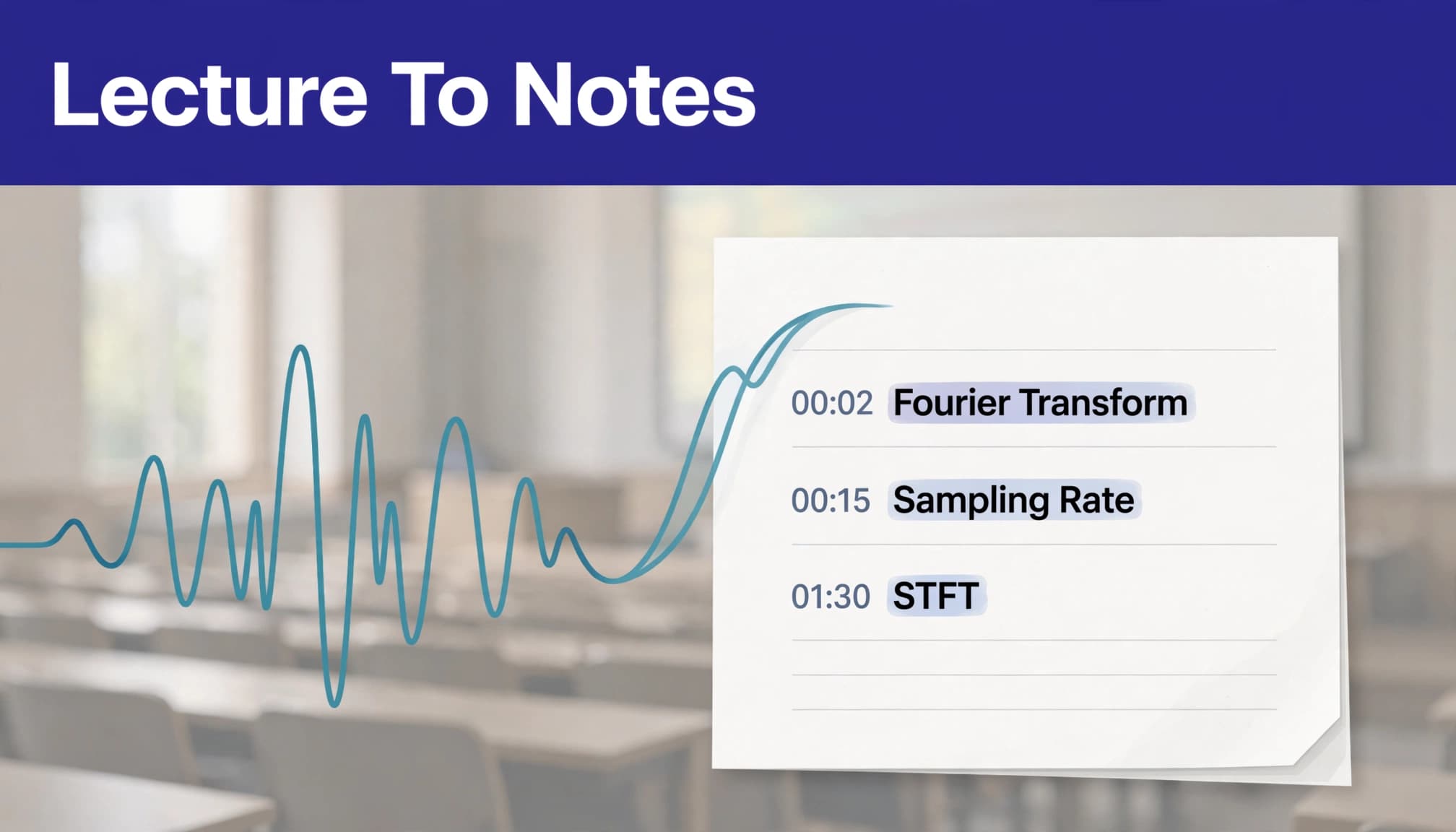
Select the spoken language and request timestamps at speaker changes or regular intervals. Speaker labels help separate the lecturer's explanation from student questions.
For live classes, automatic captions support access, but technical vocabulary still needs review. Keep slide references alongside timestamps whenever possible.
If a recording exceeds an upload limit, split it at topic boundaries. Record each segment's original start time so later timestamps still point to the correct place.
Step 2: Clean the transcript without changing meaning
Repair terminology and incomplete references
Use slide headings and assigned readings to build a short glossary. Include names, acronyms, specialist terms, and likely transcription confusions, such as "mitosis" and "meiosis."
Then remove duplicate slide text and unrelated reminders. Replace vague references only when the source supports the replacement. Otherwise, retain an uncertainty marker.
A useful cleanup prompt is: "Correct transcription errors using this glossary. Preserve meaning, numbers, negation, and time markers. Mark uncertain speech as [unclear]; don't invent missing words."
Inspect accuracy where mistakes matter most
Compare a representative passage with the audio, then inspect equations, dates, units, exceptions, and assessment instructions separately. Clear-looking prose doesn't guarantee accurate transcription.
For a measurable sample, word error rate counts substitutions, deletions, and insertions, divided by the reference text's word count. However, that score doesn't capture every study risk: one missing "not" can reverse a statement.
For formulas, compare symbols and subscripts with the slides. Even LaTeX output needs inspection, including variable definitions and the conditions under which an equation applies.
Step 3: Create structured notes with source links
Spoken source material captures what was said. An outline arranges topics hierarchically. A summary compresses the main ideas. Searchable study notes combine structure with enough detail to answer course questions.
Ask for a source-grounded outline
Use this prompt with the corrected source text:
"Use only the supplied source text. Organize notes by topic. Include definitions, explanations, worked examples, exceptions, and lecturer emphasis. Preserve existing time markers and slide references. Flag gaps instead of filling them."
Learning objectives, repeated explanations, worked examples, and lecturer emphasis reveal key ideas and key points, so keep them visible. For NoteGPT, the basic sequence is upload or enter content, let AI identify topics and main ideas, then generate and review structured notes.
Once your transcript is a document, our AI note taker for documents can generate organized notes and support follow-up questions.
Convert explanations into Cornell cues
For active note taking, turn Newton's second law into a Cornell cue: "How does net force relate to acceleration?" The note would state F = ma, define the symbols, and preserve any conditions explained in class.
Attach the source's actual timestamp rather than generating one.
Step 4: Organize and index the notes
Give each lecture a consistent title containing the course code, date, and topic. Store the original recording, corrected transcript, slides, and final notes in the same lecture folder or linked collection.
At the top of the notes, record the lecturer, source filename, lecture date, and main topics. Add descriptive headings rather than broad labels such as "Important information."
For better retrieval, retain both acronyms and their full forms. Include equivalent terminology where the course uses it, but don't merge distinct concepts simply because their names sound similar.
Indexing means making the text available to your search system. In an ordinary folder, that requires searchable documents. In a document-chat library, it means adding the relevant source files to the collection.
Keep a portable TXT, Markdown, or DOCX copy. Once retention rules allow deletion, remove unnecessary cloud recordings and shared copies rather than leaving sensitive audio indefinitely.
Step 5: Search precisely, then review through recall
Use exact search and meaning-based questions
Keyword search is useful for names, formulas, and exact terminology. Search both an abbreviation and its expanded form when results seem incomplete.
Meaning-based questions help when you remember an idea but not the lecturer's wording. Ask:
"Using only these lecture notes, find where the lecturer explains the assumptions behind this equation. Return the lecture title, timestamp, and supporting passage. Say if the answer isn't present."
Open the cited passage before relying on an answer. A search result locates evidence; an AI-generated explanation can still misread it.
Turn weak answers into targeted practice
Close the notes and answer your Cornell cues aloud or in writing. Then reopen the source and correct what you missed.
Generate small flashcard batches around one topic. Ask for one testable idea per card, brief answers, and source references. Our guide to flashcards from lecture notes explains how to avoid recognition-only questions.
Revisiting missed material on later days builds study skills. Use audio recaps for another pass, while keeping diagrams and detailed calculations available in the original notes.
Frequently Asked Questions
Can AI turn a live class into notes without typing?
Yes. Knowt, Thetawave, Otter, LectureNotes AI, and StudyFetch offer live-capture workflows. However, you still need to inspect technical language and source links. Manual annotations remain useful when the lecturer points at a diagram or writes something without describing it aloud.
Can AI preserve equations and diagrams?
Thetawave supports LaTeX notation, while Genio Scribble lets you add handwritten equations and diagrams. Neither removes the need for source review. Keep slide images beside the notes when spatial relationships, graph axes, or derivation steps carry meaning that speech doesn't capture.
Make Every Note Easy to Trace
Useful AI lecture notes preserve a path back to the lecture. The strongest workflow keeps source links and uncertainty visible while turning speech into organized study material.
Start with one recording and carry it through transcription, cleanup, indexing, and recall practice. You'll have searchable notes you can question and correct, rather than a summary you have to trust.