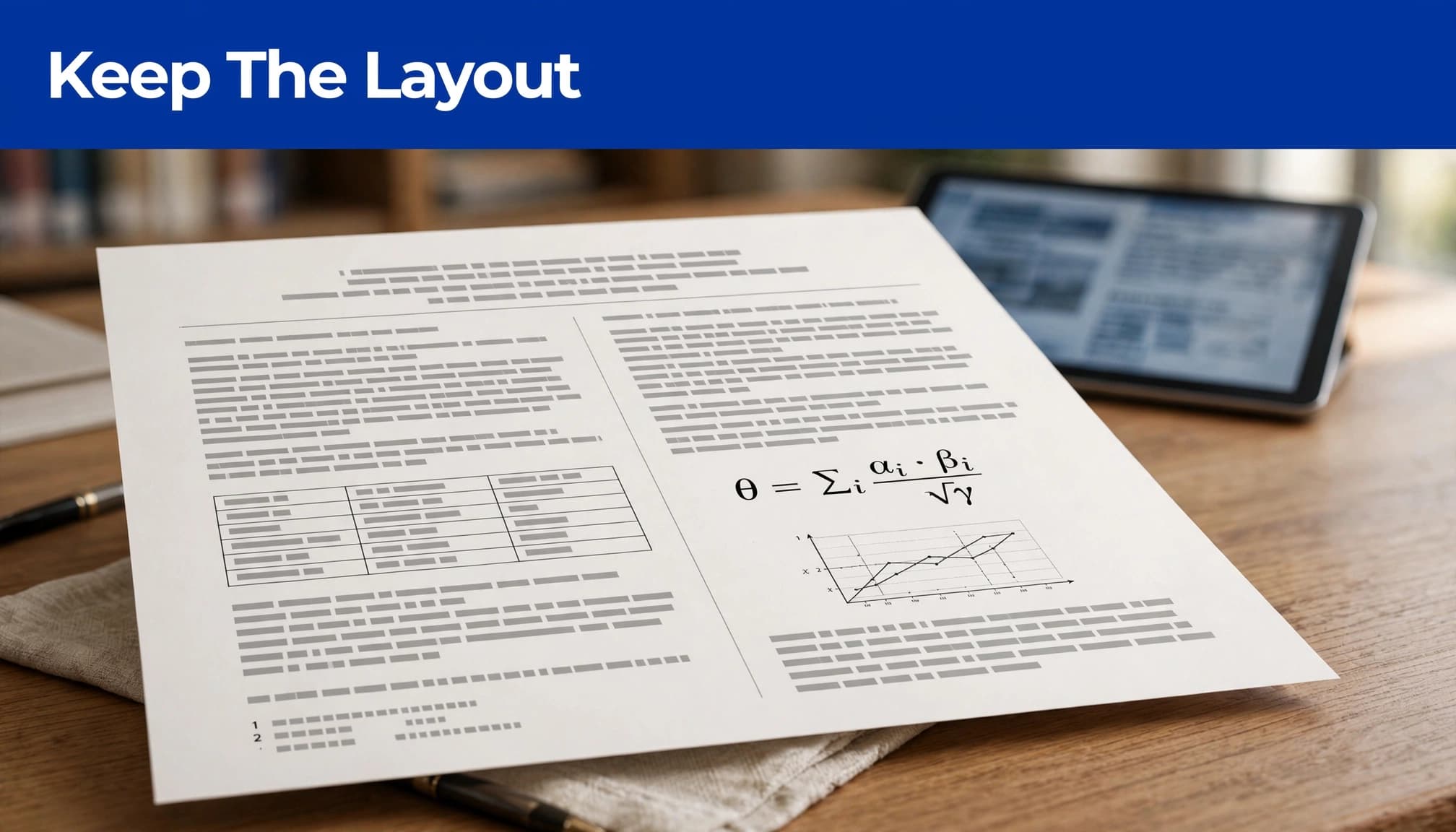
Translating an academic PDF is more complicated than translating ordinary text. Research papers contain equations, tables, footnotes, citations, charts, and technical terminology. A translation can sound fluent but still change a statistical value, separate a table heading from its data, or misread a mathematical symbol.
The right AI PDF translator should preserve the meaning of the research while keeping the document readable. Some tools translate and export complete PDFs, while others are better for bilingual reading or asking questions about a paper in another language.
This guide compares student-friendly options, explains their documented features and limitations, and shows you how to test a tool before trusting it with an entire research paper.
Key Takeaways
Choose a dedicated PDF translator when you need a translated file that retains the original document structure.
Use OCR-enabled workflows for scanned papers, but inspect recognized text before translating.
Google Translate is a useful free starting point for straightforward digital PDFs.
Linnk and TransWord.AI advertise specialized workflows for complex or scientific PDFs; their layout claims should be checked against your own documents.
DeepL supports whole-file translation, with monthly limits depending on the plan.
NotebookLama supports chat with multilingual PDFs, but this is different from exporting a fully translated PDF.
Always compare equations, tables, footnotes, citations, and numerical results with the original paper.
AI PDF Translation Tools Compared
The tools below are compared using their published product documentation, not a completed independent benchmark. Features, prices, and usage allowances can change. Treat vendor statements about accuracy and layout preservation as claims to test, not guaranteed results.
Tool | Best suited for | PDF workflow | Price or free access |
|---|---|---|---|
Google Translate | Simple digital academic PDFs | Upload and download a translated document | Free; up to 10 MB and 300 pages |
DeepL | Whole-document translation | Upload a PDF and download the translated file | Account required; monthly file limits depend on plan |
Linnk | Papers with complex layouts | Direct PDF translation with a three-page preview | From $8.20/month billed annually |
TransWord.AI | Scanned and scientific PDFs | Separate workflows for text, tables/layout, scans, and scientific PDFs | Free tier: 5 pages per PDF and 3 PDFs daily |
NotebookLama | Understanding a paper in another language | Upload a multilingual PDF and ask questions in your preferred language | Check the current product page for access and usage limits |
<small>Prices and limits checked on 11 November 2026 against the providers' published pages. Prices may vary by region, billing cycle, tax, and account eligibility. See the linked provider pages before subscribing.</small>
1. Google Translate: A Free Starting Point for Digital PDFs
Google Translate is a practical first option when you need to understand a straightforward academic paper without paying for a specialist tool.
Its document translation feature accepts PDF files up to 10 MB and 300 pages. It also supports DOCX, PPTX, and XLSX uploads. You can select the source and target languages, upload your file, translate it, and download the result.
Where it helps
Translating ordinary text-based academic PDFs.
Getting a quick first translation without purchasing a subscription.
Working with common document formats beyond PDF.
What to watch
Google's documentation states that text found in images and scanned PDF pages may appear in the output but is not translated. This means an image-based paper may need OCR before translation.
Google's document translation instructions: https://support.google.com/translate/answer/2534559
Best for: Students who want a free first-pass translation of a clean, digitally generated PDF.
2. DeepL: Whole-Document Translation
DeepL supports PDF file translation through its website and desktop applications. It is useful when you want to translate a complete document instead of copying paragraphs into a text box.
Depending on the plan, DeepL offers file translation limits and options for downloading translated files. Some plans also support downloading the translated PDF as a Word document, which can make later editing easier.
Where it helps
Translating complete documents.
Working with supported file formats beyond PDF.
Reviewing and editing a translated document.
Using available glossaries and style options where supported by the plan.
What to watch
DeepL's monthly file allowance depends on the subscription. Scanned-document quality also depends on the original scan, and custom fonts or large images may affect translation quality.
For difficult academic PDFs, compare the translated output with the original rather than assuming that preserved formatting means preserved meaning.
Official documentation:
https://support.deepl.com/hc/en-us/articles/4411308018450-Translate-PDF-files
https://support.deepl.com/hc/en-us/articles/360020582499-About-file-translation
Best for: Students who regularly translate full documents and want a dedicated file-translation workflow.
3. Linnk: A Preview for Complex Academic Layouts
Linnk offers a dedicated PDF translation workflow. Its product page describes support for academic and technical documents, including tables, columns, footnotes, citations, equations, and figures.
It also provides a three-page translated preview that can be downloaded before purchasing a plan. This is useful because a short preview lets you inspect how the tool handles your own document rather than relying only on a feature list.
The published pricing page lists its Essential plan at $8.20 per month when billed annually. The plan includes a limited number of file credits, so check the current credit rules and file limits before subscribing.
Where it helps
Checking a paper's layout before paying for a full translation.
Translating documents with multiple columns and footnotes.
Comparing the original and translated document.
Refining terminology with custom instructions, according to its product documentation.
What to watch
A three-page preview may not include the most difficult part of a paper. A document may have simple introductory pages but complex equations, tables, or appendices later on.
Test a page containing the most demanding content before relying on the translated file.
Official pages:
Best for: Students who want to inspect a layout-focused PDF translation before paying for the complete document.
4. TransWord.AI: Separate Workflows for Scanned and Scientific PDFs
TransWord.AI offers different PDF translation modes, including Text Only, Tables & Layout, Scanned PDF, and Scientific & LaTeX.
This distinction is useful for academic papers because a scanned article and a digitally generated mathematics paper require different handling.
Its published free allowance is five pages per PDF and three PDFs per day. The service lists uploads up to 500 MB, but the upload-size allowance does not remove the page limit. Paid plans provide higher monthly character and page allowances.
Where it helps
Translating scanned documents with OCR.
Working with papers containing tables and multiple columns.
Translating scientific PDFs containing mathematical or chemical notation.
Choosing a workflow based on the type of document.
What to watch
The provider describes its Scientific & LaTeX workflow as preserving equations, formulas, figures, tables, and complex layouts as closely as possible. That is a vendor claim, not an independent accuracy result.
Check whether equation symbols, subscripts, superscripts, and table relationships remain correct after translation. Do not rely on the translated version for numerical interpretation without checking the source.
Official pages:
Best for: Students working with scanned research papers or technical documents that need more than basic text translation.
5. NotebookLama: Chat With a Translated or Multilingual PDF
NotebookLama serves a different purpose from a dedicated PDF translator. Its AI Document Chat feature lets you upload documents in different languages and ask questions in your preferred language. Its product page describes multilingual chat and OCR support for scanned PDFs.
For example, you could upload a research paper written in German and ask:
"Explain the research objective in English."
"Summarize the methodology in simple English."
"What were the main findings?"
"Explain the limitations discussed by the authors."
"Find the paragraph where the authors describe the sample size."
This can help when your goal is to understand a paper without first translating and downloading every page.
Important distinction: Multilingual document chat is not the same as full PDF translation. NotebookLama's published feature description supports asking questions about documents in another language, but that does not establish that it exports a complete translated PDF with the original layout.
If you need a translated file for offline reading, use a dedicated PDF translation workflow. If you need to understand, summarize, or locate information in a multilingual paper, document chat may be more convenient.
Try it here: https://notebooklama.com/chat-pdf
Best for: Students who want to ask questions about research papers written in another language, rather than produce a fully translated PDF.
How to Test an AI PDF Translator Before Using It
A feature list cannot tell you whether a translator will preserve your particular research paper. The most useful comparison is to run the same test document through each tool.
Use a short academic PDF containing three deliberately selected pages:
An equation page: Include mathematical notation, subscripts, superscripts, and symbols.
A table page: Include a table with multiple columns, headings, numerical values, and footnotes.
A footnote-heavy page: Include citations, references, and explanatory footnotes.
Use the same source language, target language, and source file for every tool. Record whether the tool accepts the file, how long translation takes, what it returns, and whether the original structure survives.
Comparison worksheet
Test | What to inspect | What to record |
|---|---|---|
Equation | Symbols, variables, subscripts, superscripts | Correct, altered, missing, or unreadable |
Table | Headings, values, row and column alignment | Preserved, shifted, flattened, or missing |
Footnotes | Footnote markers and corresponding text | Correctly linked, displaced, or omitted |
Translation | Meaning of technical terms and sentences | Accurate, unclear, or incorrect |
Output | Downloadable PDF and layout | Available, unavailable, or damaged |
Do not rank tools using translation fluency alone. A smooth sentence is not useful if the translation changes the meaning of a statistical result.
Screenshots to include in the published comparison
For a genuinely useful hands-on article, capture the same three test cases in each service:
Screenshot 1: Original equation page beside the translated result.
Screenshot 2: Original table beside the translated result.
Screenshot 3: Original footnote-heavy page beside the translated result.
Add a caption identifying the tool, source language, target language, and test date. Do not use promotional screenshots as evidence of your own test results.
Until these tests are completed, treat the comparison table above as a guide to documented workflows not a quality ranking.
How to Translate an Academic PDF Reliably
Even a good translator needs a careful workflow. Use these steps before relying on a translated research paper.
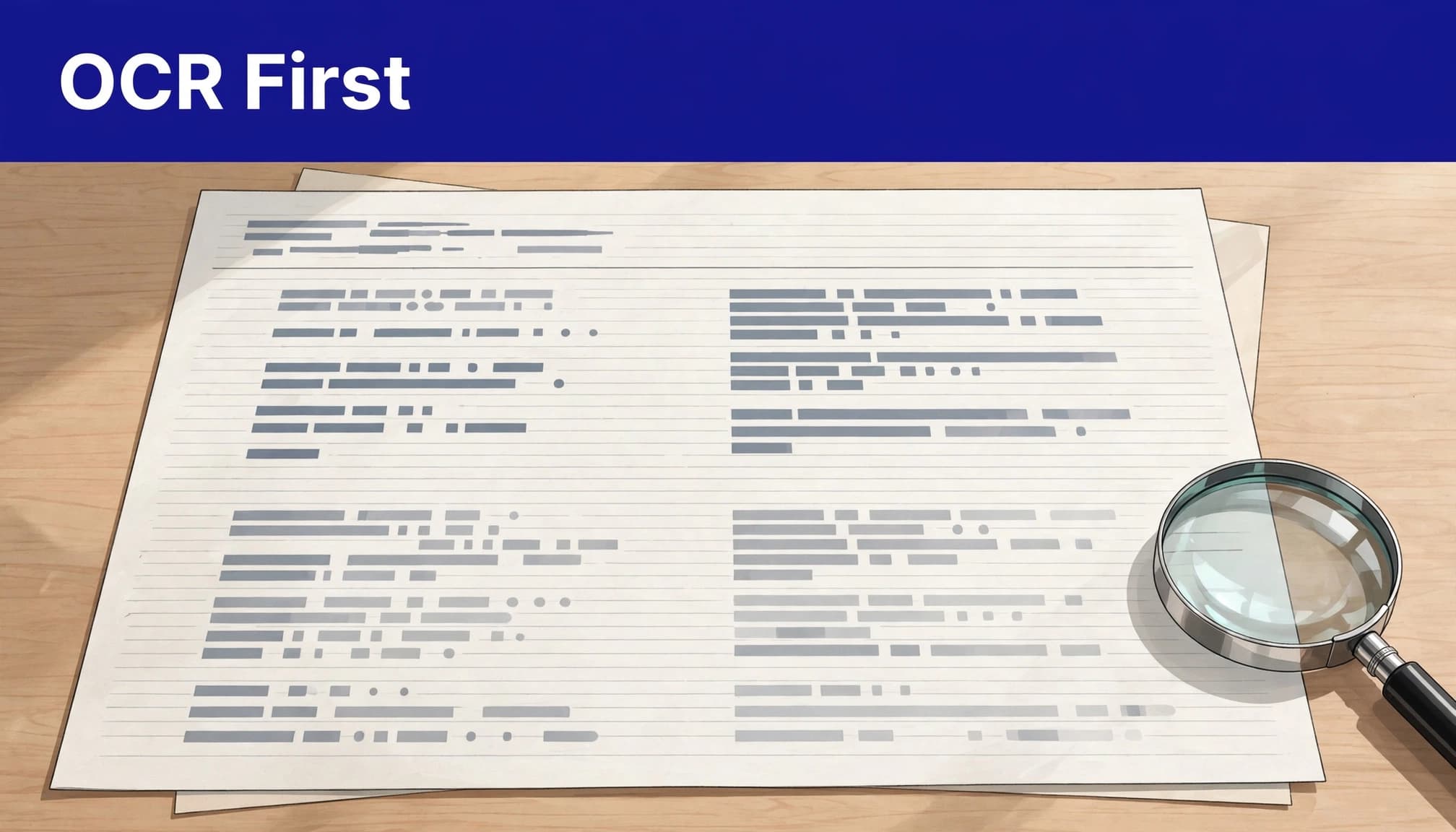
Step 1: Check whether the PDF is searchable
Try selecting a sentence in the original PDF. If you cannot select the text, the document may be a scanned image.
A scanned paper needs OCR before its text can be translated. OCR converts text in images into machine-readable text, but errors can occur with faint scans, unusual fonts, equations, and multi-column layouts.
Step 2: Keep an untouched original
Save the original PDF separately. Create a working copy for OCR and translation so that you can compare the final output with the source.
Step 3: Test the most difficult pages first
Do not start by translating the entire paper. Choose pages with equations, tables, charts, and footnotes. These reveal formatting problems earlier and help you decide whether the tool is suitable.
Step 4: Compare the translated document with the original
Check:
Equations and mathematical symbols.
Table headings and numerical values.
Figure captions and labels.
Author names, citations, and DOI identifiers.
Footnote markers and their corresponding text.
Technical terminology and abbreviations.
For a critical research paper, ask a bilingual subject specialist to review passages that affect the methodology, results, or conclusions.
Step 5: Keep both versions
Save the original and translated PDFs together. Record the tool used, translation date, language pair, and any manual corrections. This makes it easier to revisit a term or verify a result later.
Protect Your Research Papers and Personal Data

Before uploading a document, check the provider's current privacy policy and the terms that apply to your account and plan.
Look for answers to these questions:
Is uploaded content used to train models?
How long are files and extracted text retained?
Are files processed by third-party service providers?
Can you delete uploaded documents and generated translations?
Who can access documents in shared or team workspaces?
Does the service offer appropriate controls for unpublished or restricted research?
Do not assume that a file is private simply because a provider advertises encryption or automatic deletion. Check the applicable policy, retention terms, and account settings.
For unpublished manuscripts, student records, patient information, or restricted institutional material, use an institution-approved service. Local OCR may reduce the number of services receiving the original scan, but uploading the extracted text to an online translator still shares that content with the provider.
Frequently Asked Questions
Which AI PDF translator is free for students?
Google Translate offers free document translation with published limits of 10 MB and 300 pages per PDF. TransWord.AI also lists a free allowance of five pages per PDF and three PDFs daily. Always check current limits before uploading a full paper.
Can AI translate scanned academic PDFs?
Yes, if the workflow includes OCR. OCR recognizes text in scanned images before translation. However, equations, tables, low-resolution scans, and unusual fonts can produce recognition errors. Check the extracted text before trusting the translation.
Can NotebookLama translate and chat with a PDF?
NotebookLama describes multilingual document chat: you can upload a PDF in another language and ask questions in your preferred language. This is useful for understanding and discussing the document. It should not be confused with exporting a complete translated PDF that preserves the original layout.
Will an AI translator preserve equations and tables?
Some services advertise specialized workflows for scientific notation and complex layouts, but preservation is not guaranteed. Test the actual equations and tables in your paper, and compare every important value with the original.
Should I use an AI-translated research paper as a source?
Use the original publication as your primary source. A translation can help you understand the content, but verify quotations, technical terms, numerical results, and conclusions against the original before citing or discussing them.
Choose a Translator That Preserves Meaning, Not Just Formatting
The right AI PDF translator depends on what you need to do. Google Translate is a convenient free starting point for straightforward digital PDFs. DeepL supports whole-document translation, while Linnk and TransWord.AI offer more specialized PDF workflows to evaluate. NotebookLama is useful when you want to chat with a multilingual paper rather than produce a translated PDF.
Before translating an entire research paper, test a page with an equation, a dense table, and footnotes. Compare the result with the original, check the provider's current limits and privacy terms, and get human review when an error could change your interpretation of the research.